

Data / Field notes
Export Grasshopper Data to Excel with Pancake
Move parametric model data from Grasshopper into a format that more people can inspect, edit and discuss.
A parametric model often produces information that colleagues need outside Rhino: quantities, option metrics or assumptions for a review. Exporting to Excel with Pancake can bridge that gap. The central task is to make the data understandable before it leaves Grasshopper.
Define what a row means
A spreadsheet becomes difficult to trust when its rows do not have a consistent meaning. Decide whether each row represents an object, a design option or another project entity. Then identify which properties belong in the columns.
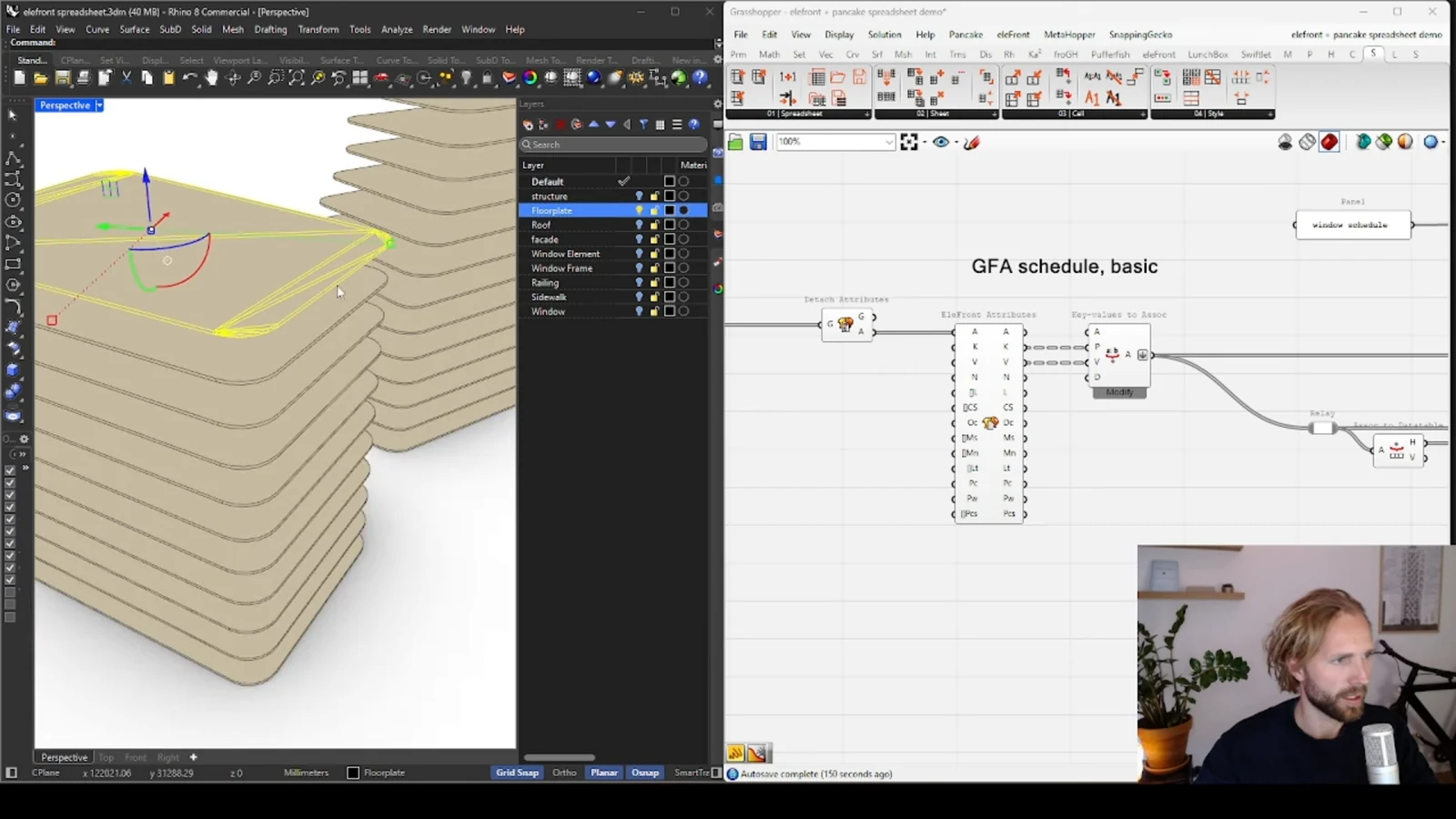
Grasshopper data trees can represent relationships that a flat table does not reveal automatically. Check how branches and items map to the intended rows. An export that completes successfully can still pair a value with the wrong label if the source lists are misaligned.
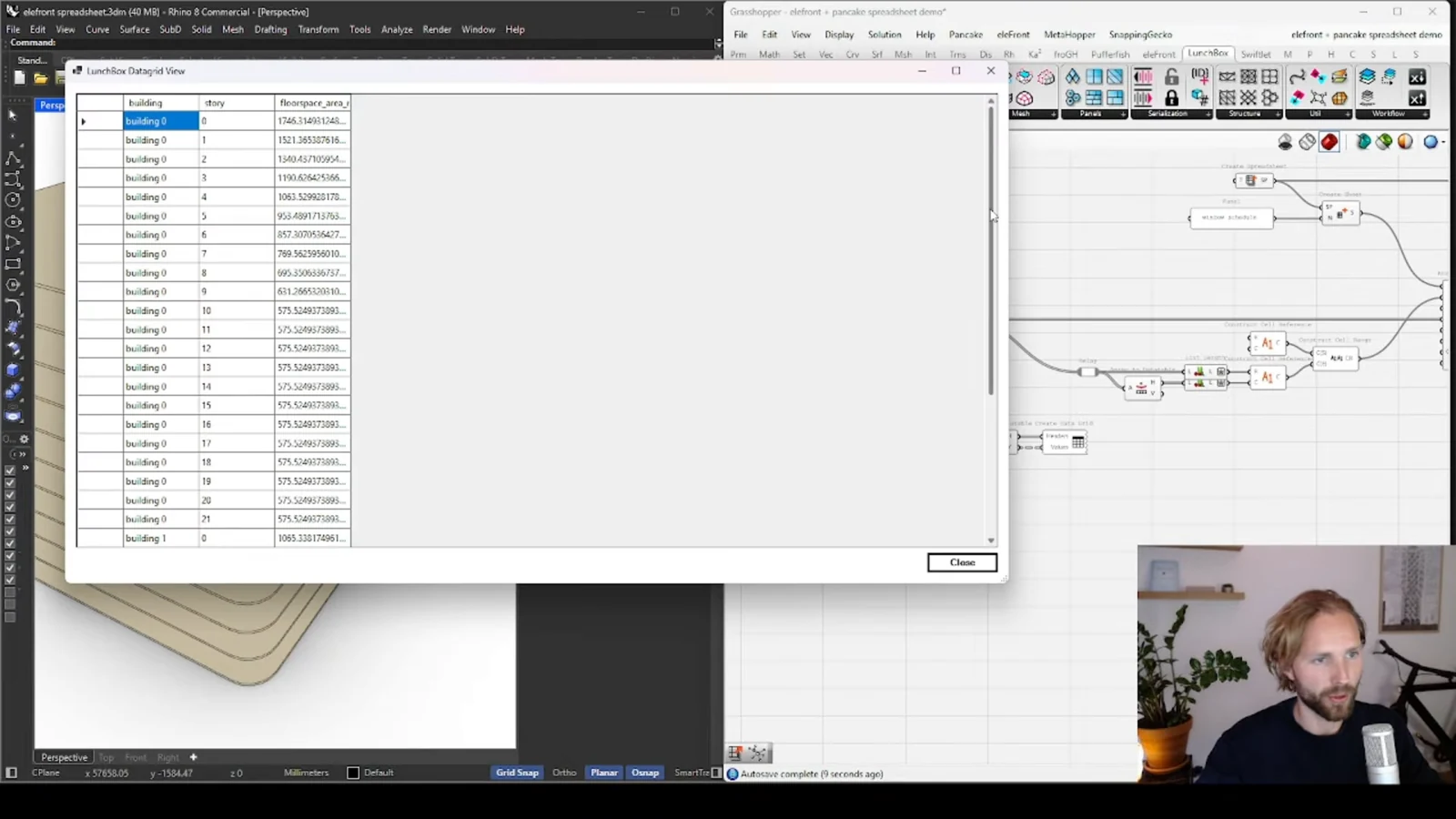
Export context with the values
Column names and units are essential parts of the handover. A quantity without a unit or an option without an identifier is difficult to compare reliably. Include enough context for someone who has never opened the definition to understand the sheet.
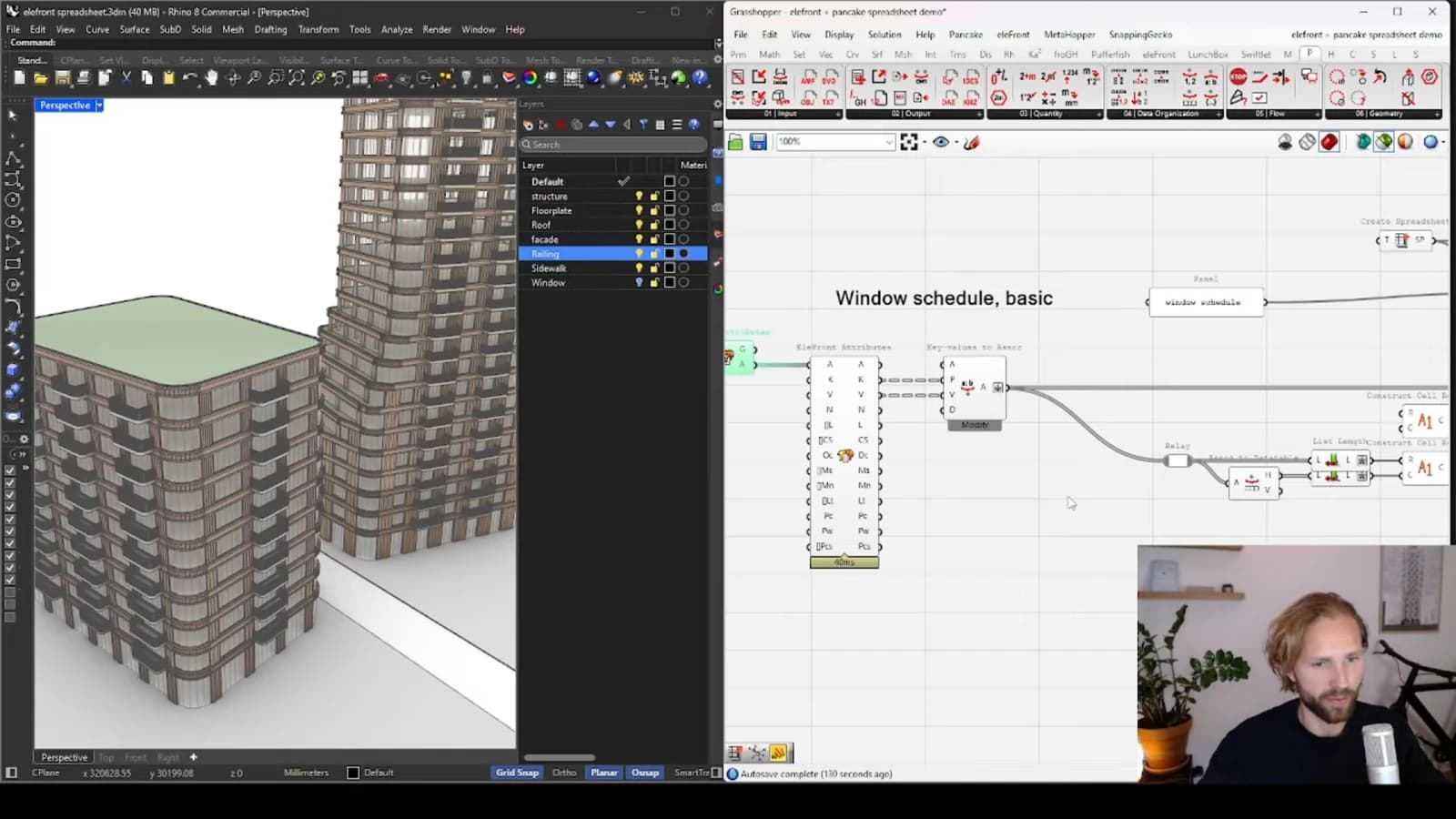
Start with a small sample and inspect the result manually. Confirm the number of rows, look for missing values and compare a few records with the model. Once the mapping is trustworthy, use the same structure for larger exports.
Keep the workflow repeatable
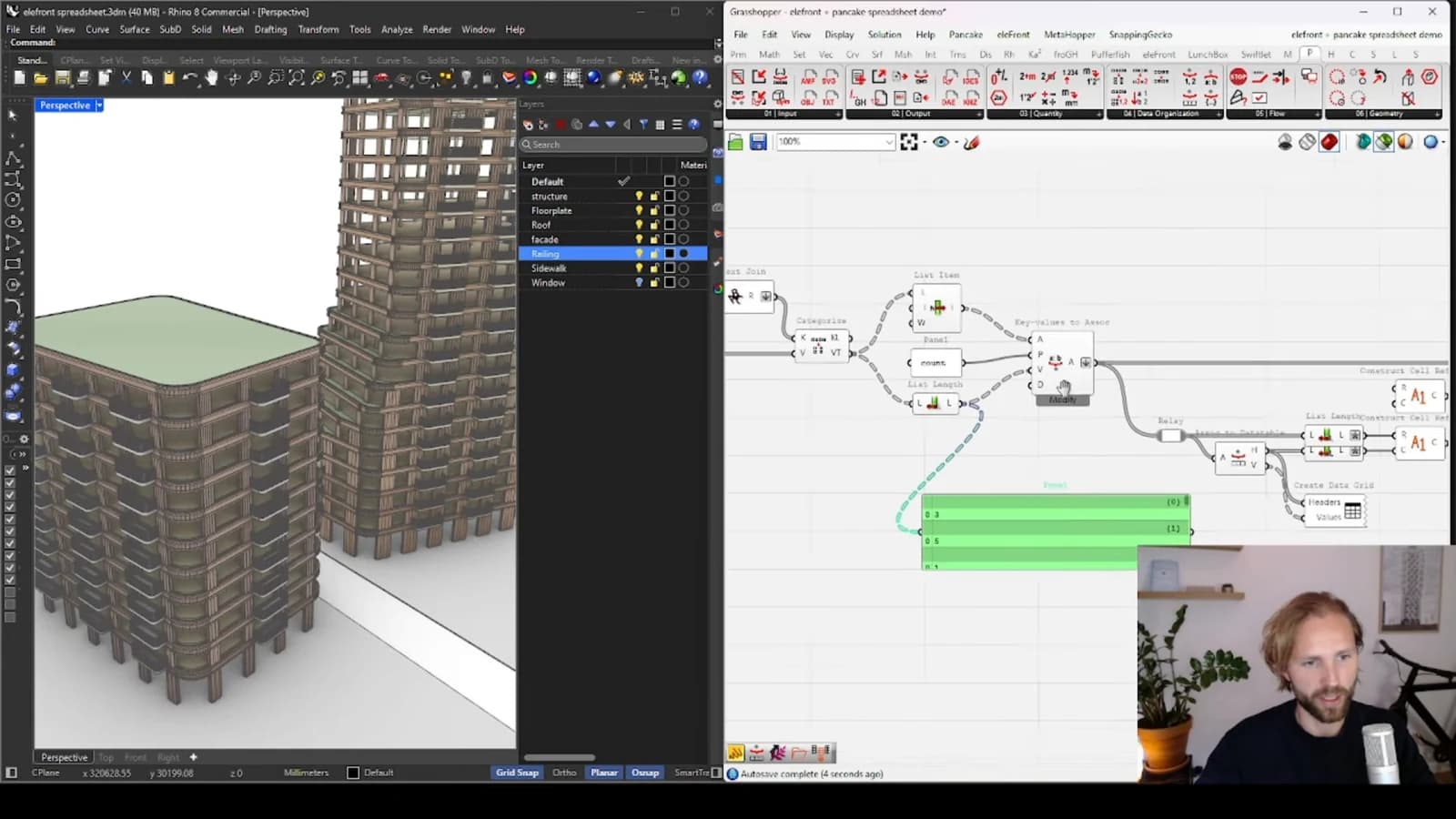
Decide what should happen when the export runs again. Reviewers need to know whether they are looking at a replacement, a new option or a historical snapshot. Stable identifiers and clear revision labels can prevent confusion without turning a straightforward spreadsheet workflow into a larger application.
From concept to canvas
See the workflow in practice
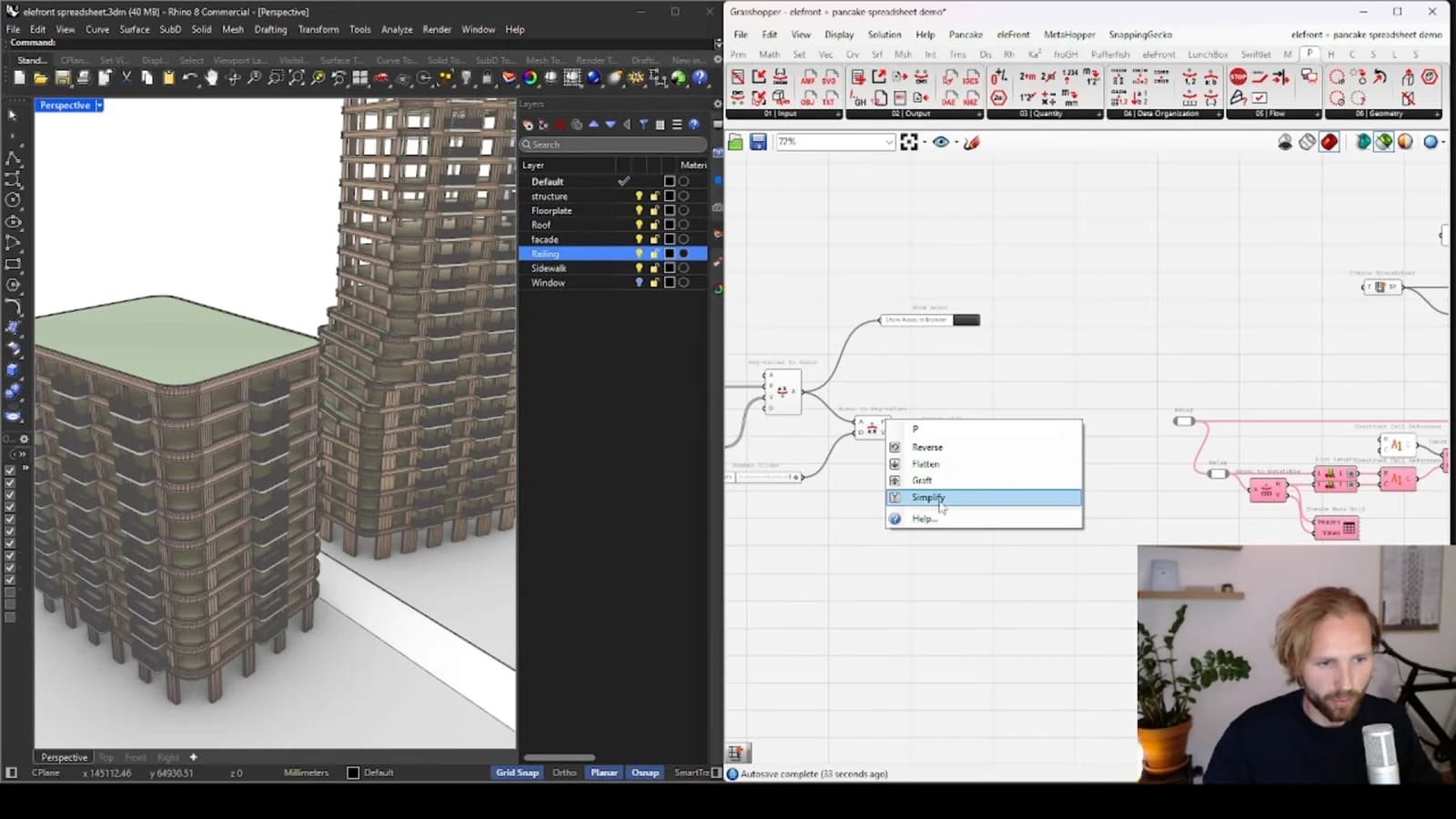
The companion video shows the model and the workflow behind these ideas. Watch the walkthrough when you want to see how the pieces connect.
Watch on YouTube