

BIM / Field notes
Build Lightweight BIM with Grasshopper and Speckle
Use Grasshopper and Speckle to structure, share and communicate lightweight BIM information.
A parametric definition can contain valuable project information while remaining inaccessible to most of the team. A lightweight BIM workflow with Grasshopper and Speckle aims to share that information in a form that others can inspect and reuse, without requiring everyone to operate the original canvas.
Publish objects with meaning
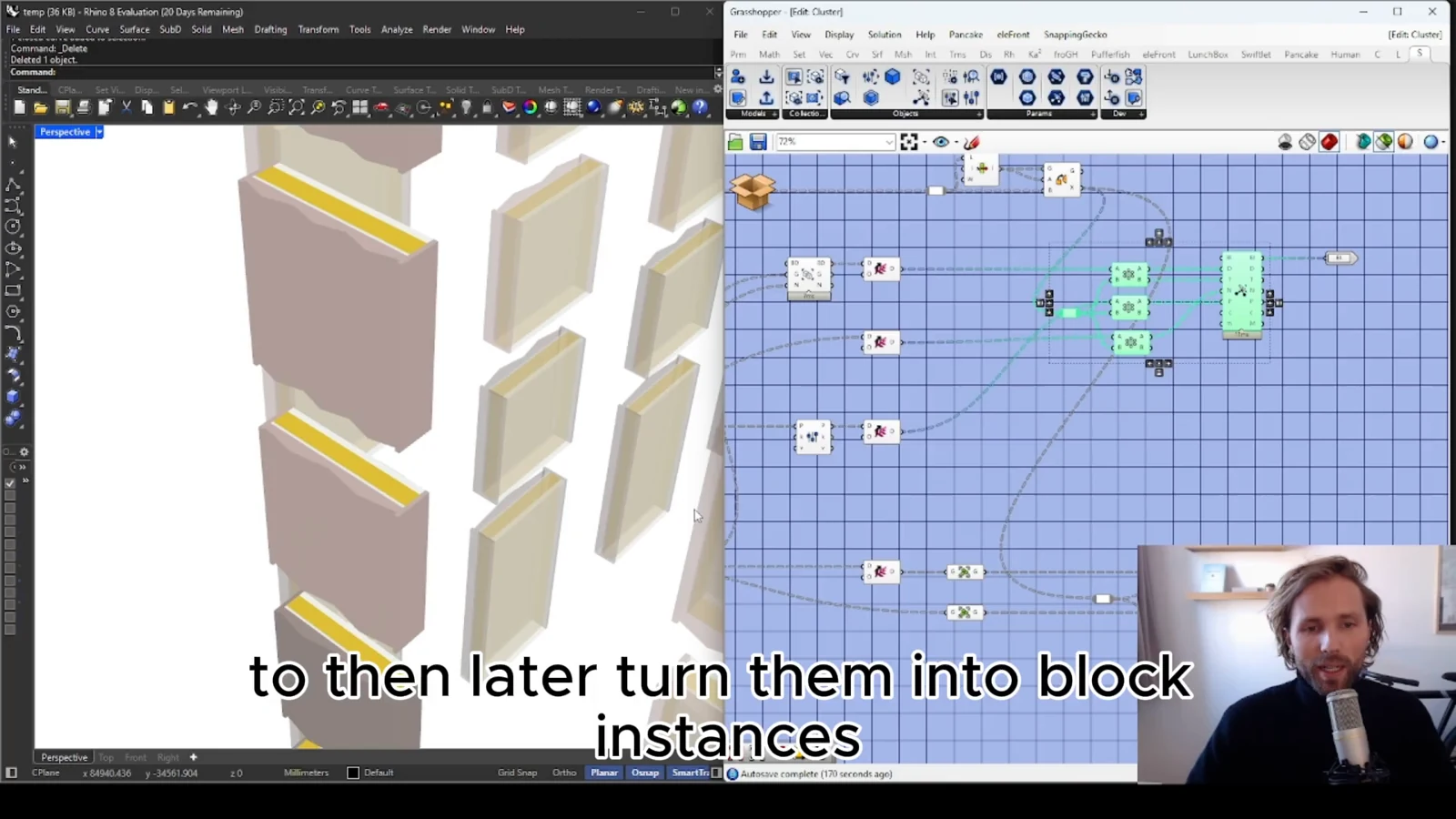
Geometry explains shape, but project decisions often need more: what an element represents, which option it belongs to and which properties describe it. Define a modest, consistent information structure alongside the generated objects.
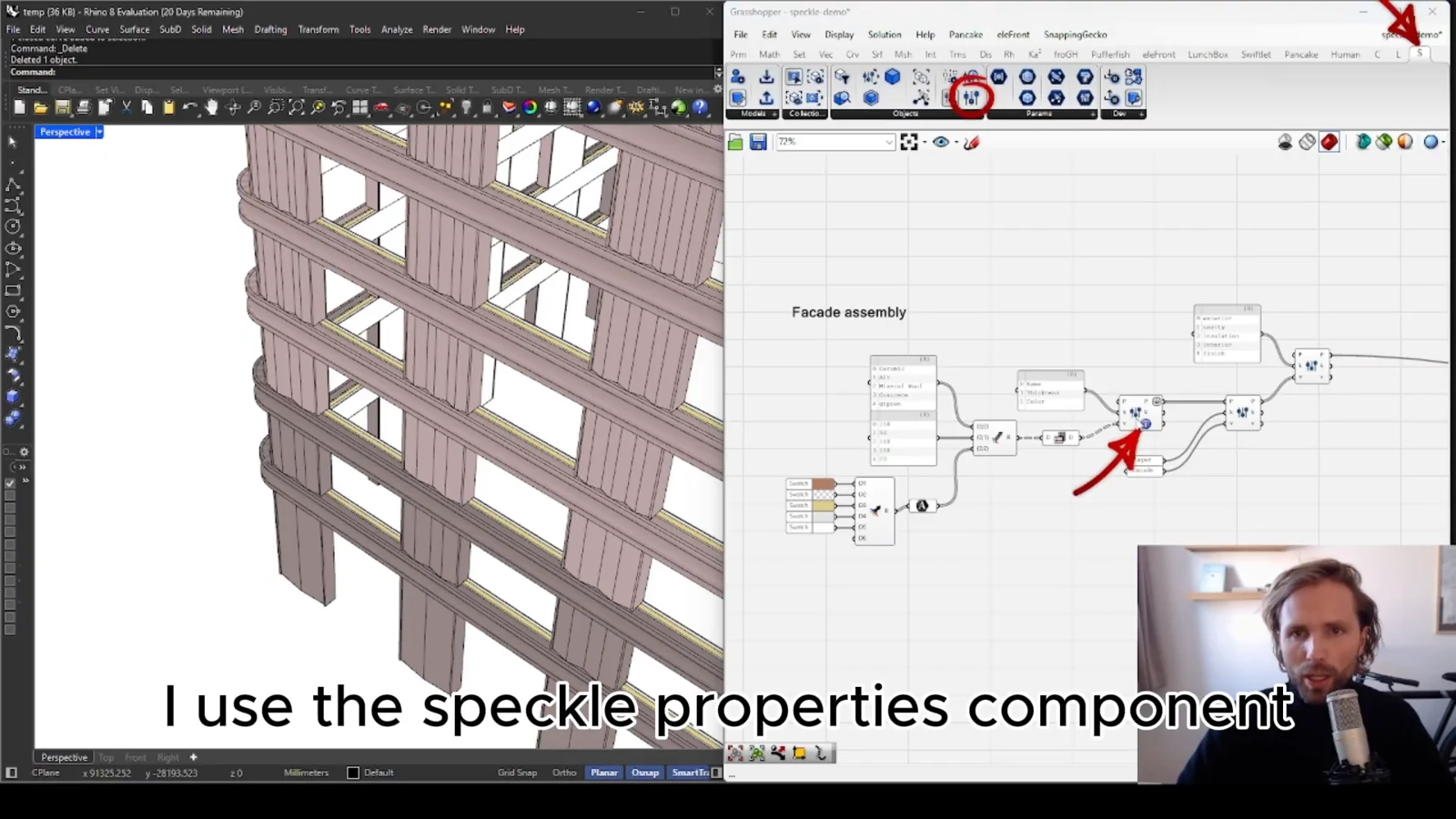
Choose properties according to the review task. A small set of reliable attributes is easier to compare than a large collection with inconsistent names or missing values. Keep identifiers stable enough to connect an object to its related information.
Check the receiving view
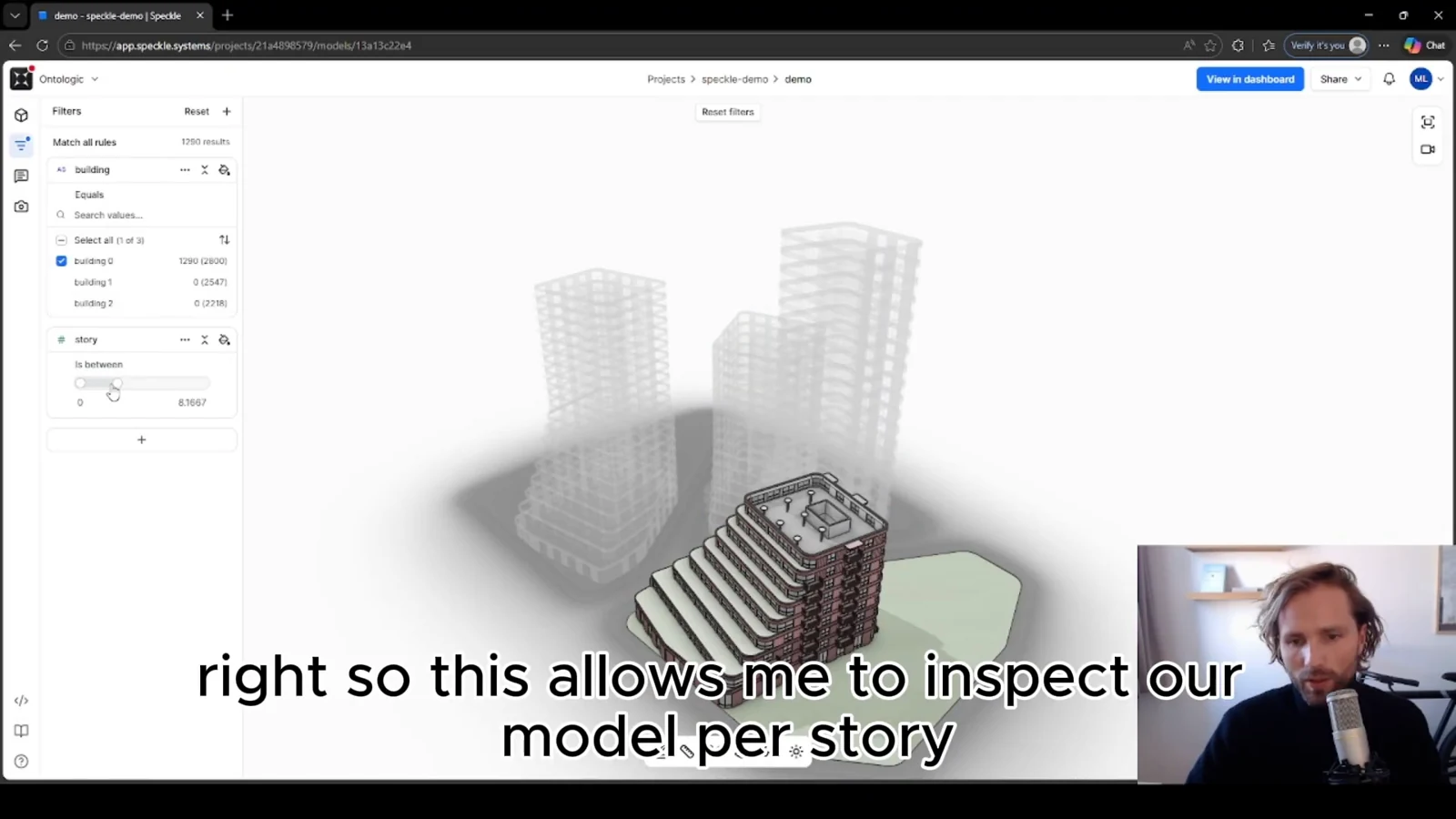
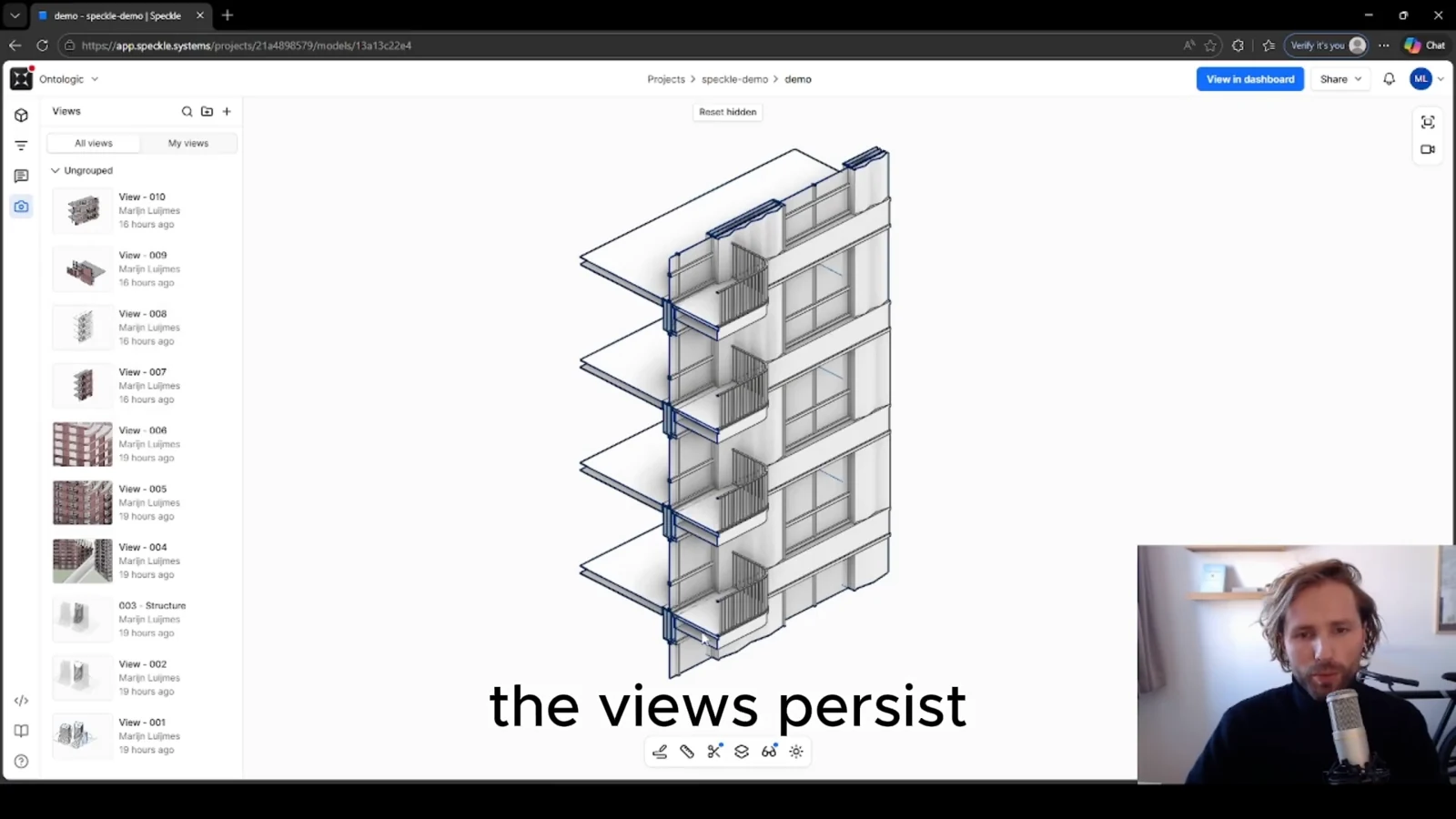
Sharing is successful when the recipient can understand what arrived. Inspect the published model outside Grasshopper. Can a colleague find the relevant objects and see the information needed for a decision? The answer matters more than whether an export operation completed.
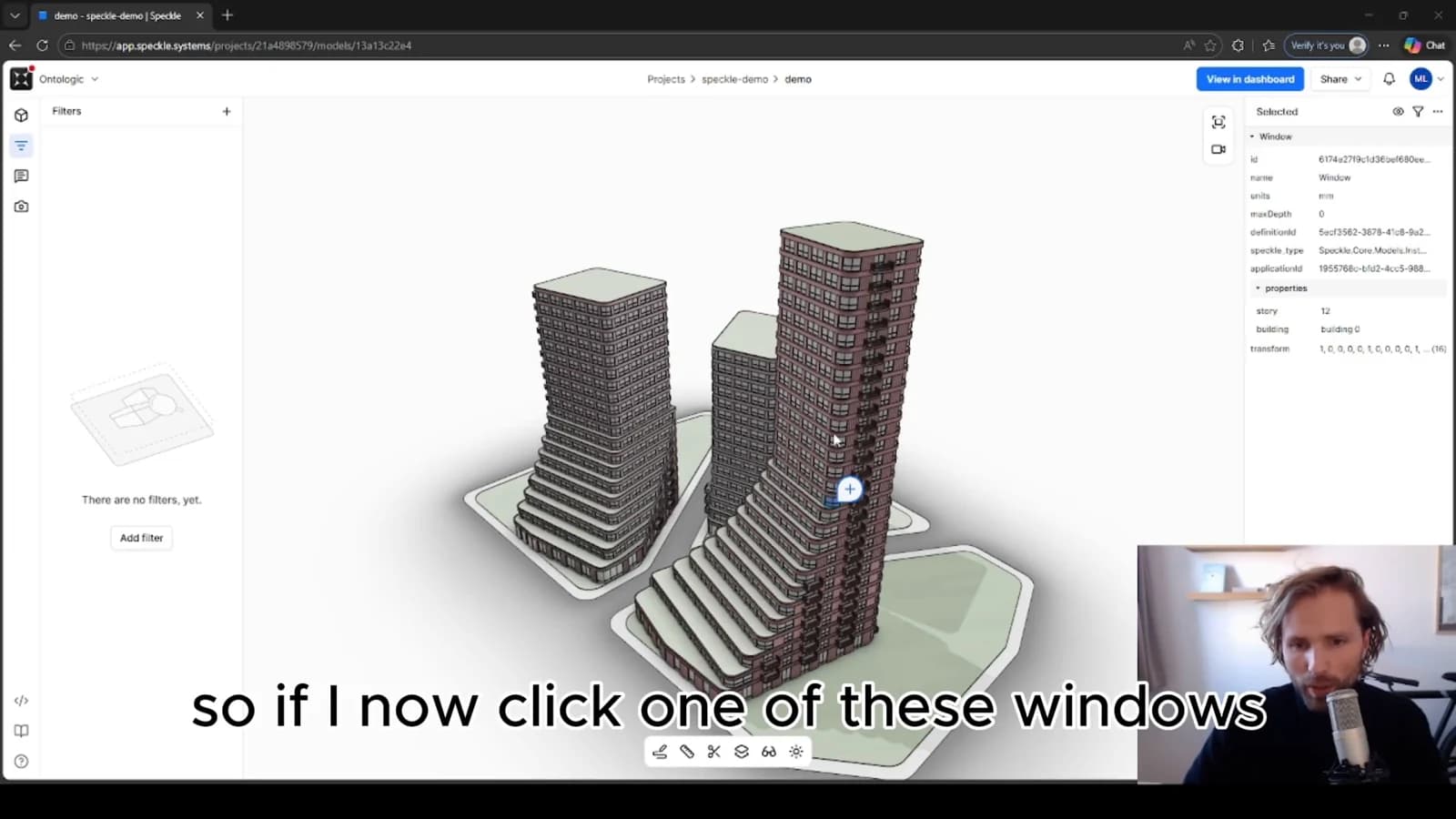
Speckle forms a bridge between the authoring model and a wider workflow. Treat that bridge as an interface with explicit expectations: what is included, which model state it represents and what level of detail a reviewer should expect.
Keep lightweight BIM purposeful
This approach can suit early design and internal review, where structured geometry is useful but a full production BIM process would be disproportionate. It should not imply that every downstream requirement is already satisfied. Define separate checks for formal exchanges, coordination or delivery when those become part of the scope.
From concept to canvas
See the workflow in practice
The companion video shows the model and the workflow behind these ideas. Watch the walkthrough when you want to see how the pieces connect.
Watch on YouTube