
BIM / Field notes
Turn Rhino and Grasshopper into Lightweight BIM
Preserve object data and build smarter baked geometry with Grasshopper, Rhino and Elefront.
Geometry becomes more useful when it carries an identity and a purpose. A lightweight BIM workflow in Rhino and Grasshopper starts with that idea: organize objects as project information, using Elefront to preserve names, layers, blocks and attributes when geometry is baked.
Add structure where it helps decisions
Early design does not always need the full overhead of a production BIM environment. It may still need a dependable way to distinguish elements, attach properties and select groups of objects. That is where a lighter approach can be valuable.
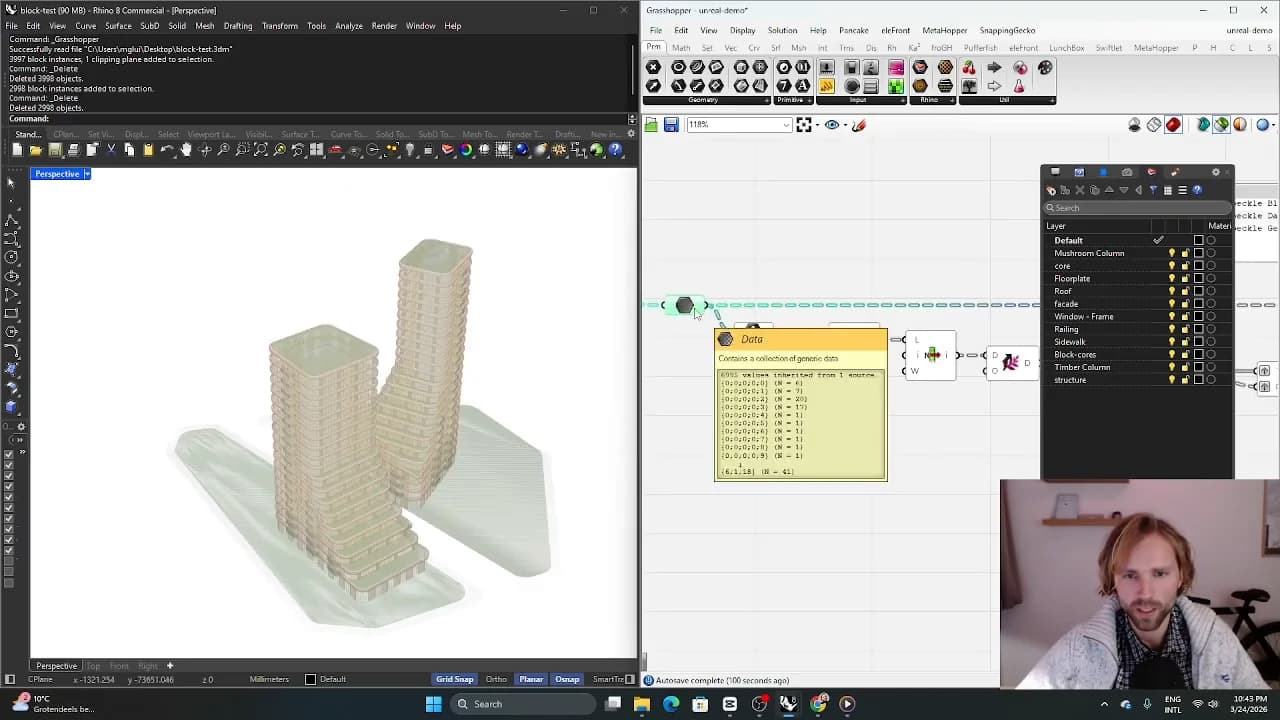
Start with the questions the model needs to answer. If the team needs to filter facade types or review areas, define the corresponding attributes consistently. More metadata is not automatically better; useful metadata has a clear role in the workflow.
Make baking deliberate
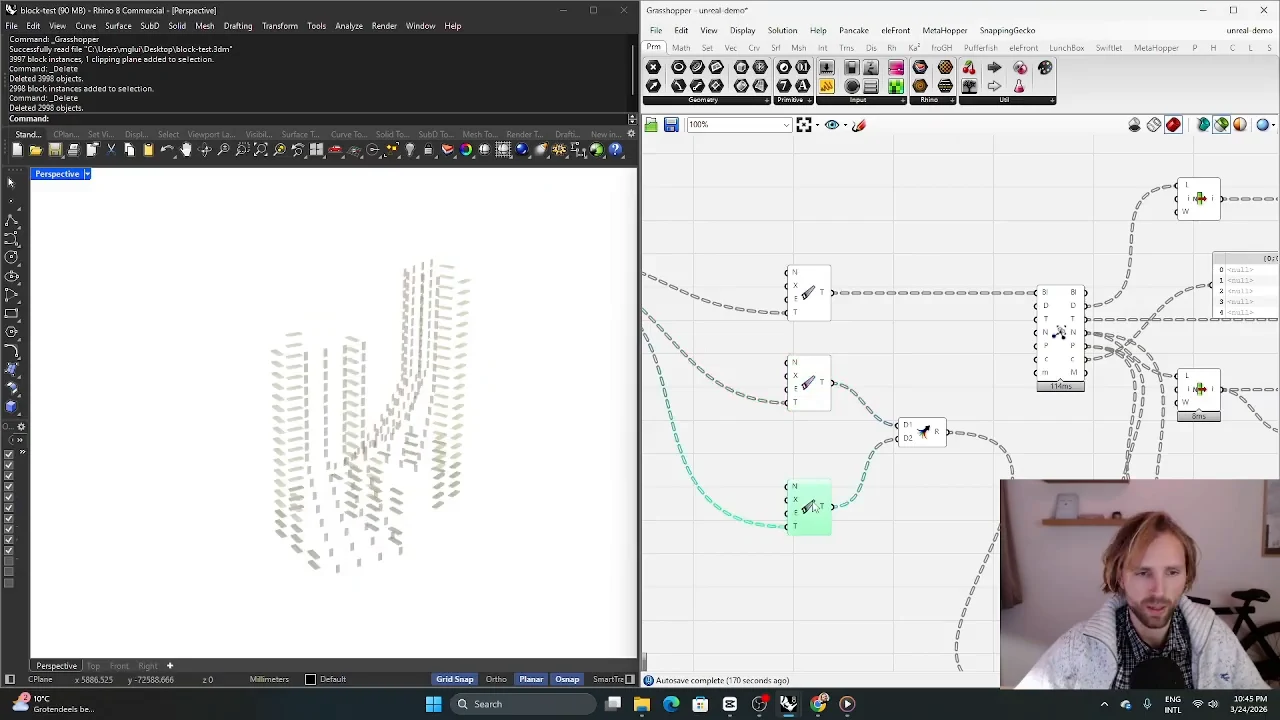
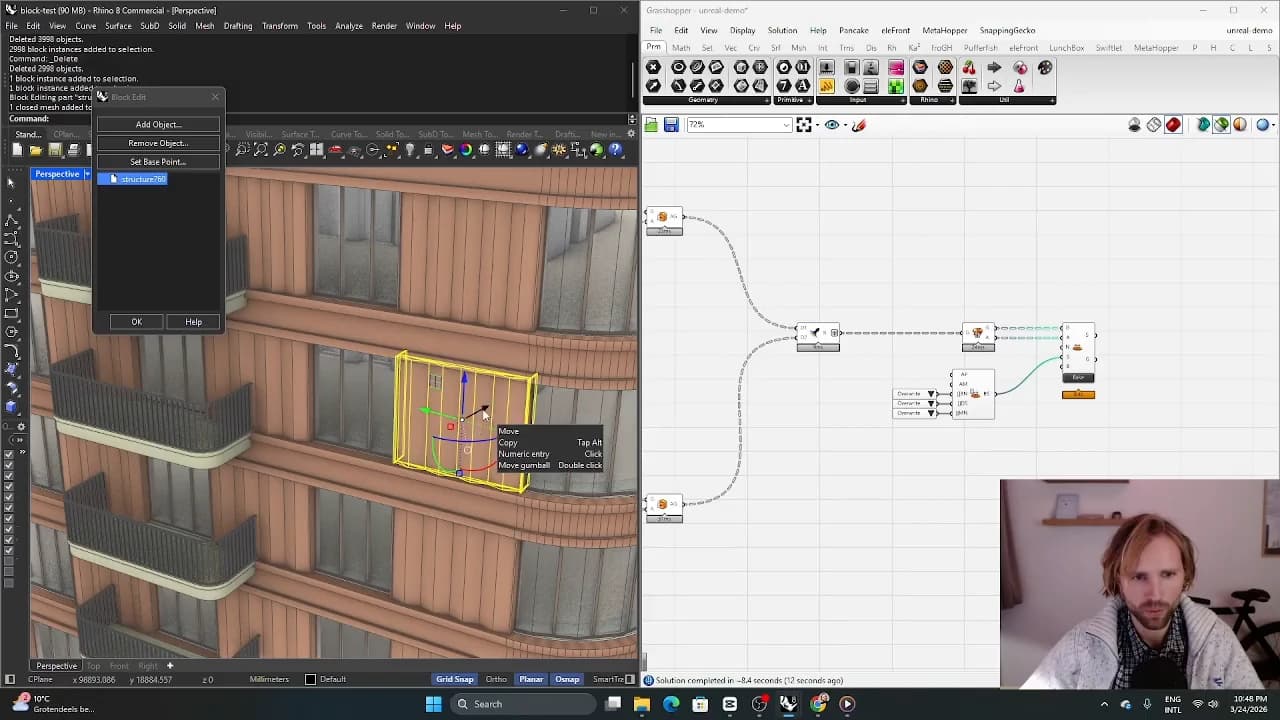
Baking is the point where generated geometry becomes something people can select, edit and exchange in Rhino. Treat it as a structured output stage. Decide how objects are named, which layers they occupy and which repeated parts should be represented as blocks.
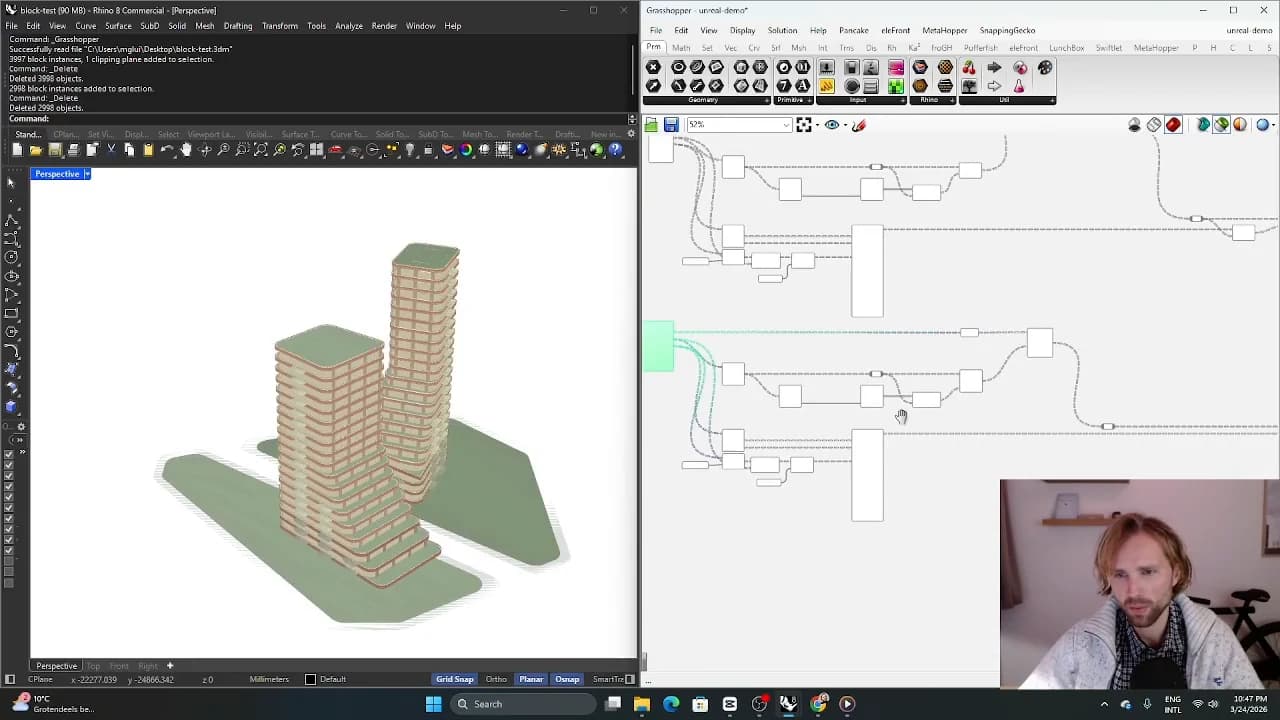
Elefront helps support this organized handover, but the naming and attribute conventions remain a design decision. Use a small set of predictable property names, and inspect a few baked objects to verify that geometry and information stayed together.
Know the boundary of the approach
A structured Rhino model can support feasibility studies and internal tools without being equivalent to a coordinated delivery model. If information must move into another BIM environment, define and test that exchange separately. Lightweight BIM works best when its scope is explicit and its properties answer the needs of the current project stage.
From concept to canvas
See the workflow in practice
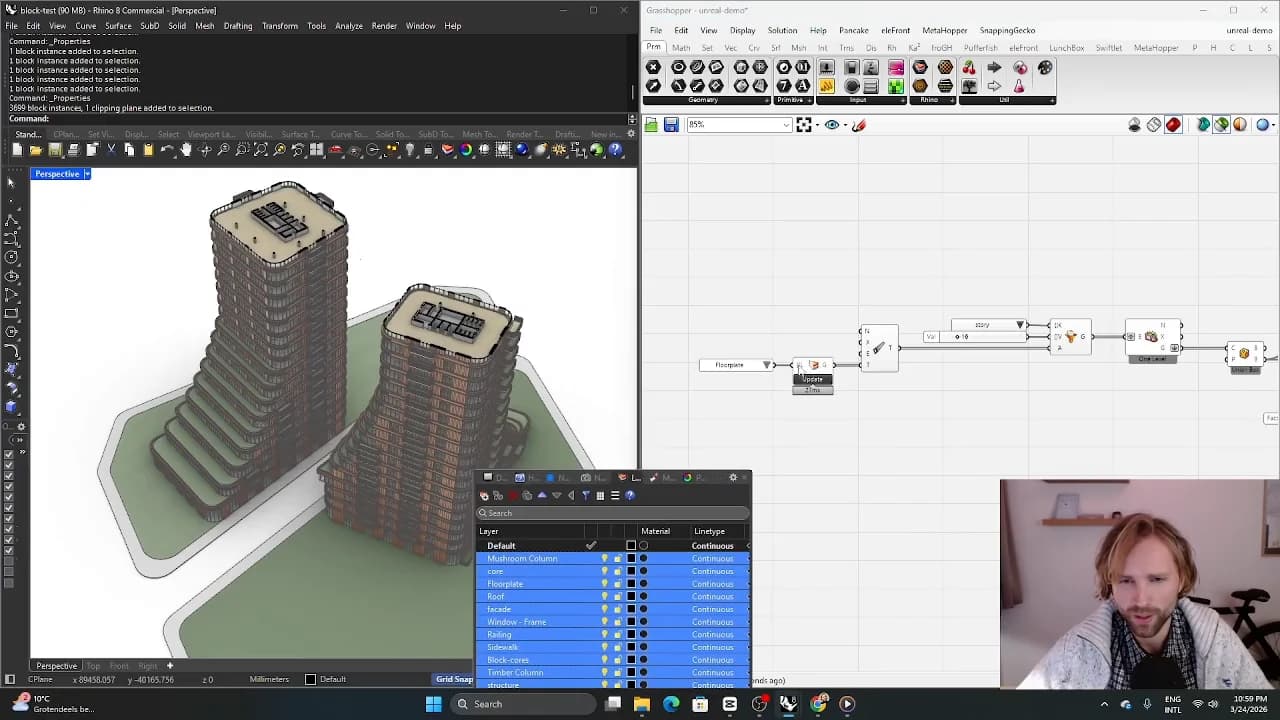
The companion video shows the model and the workflow behind these ideas. Watch the walkthrough when you want to see how the pieces connect.
Watch on YouTube