Insight 1
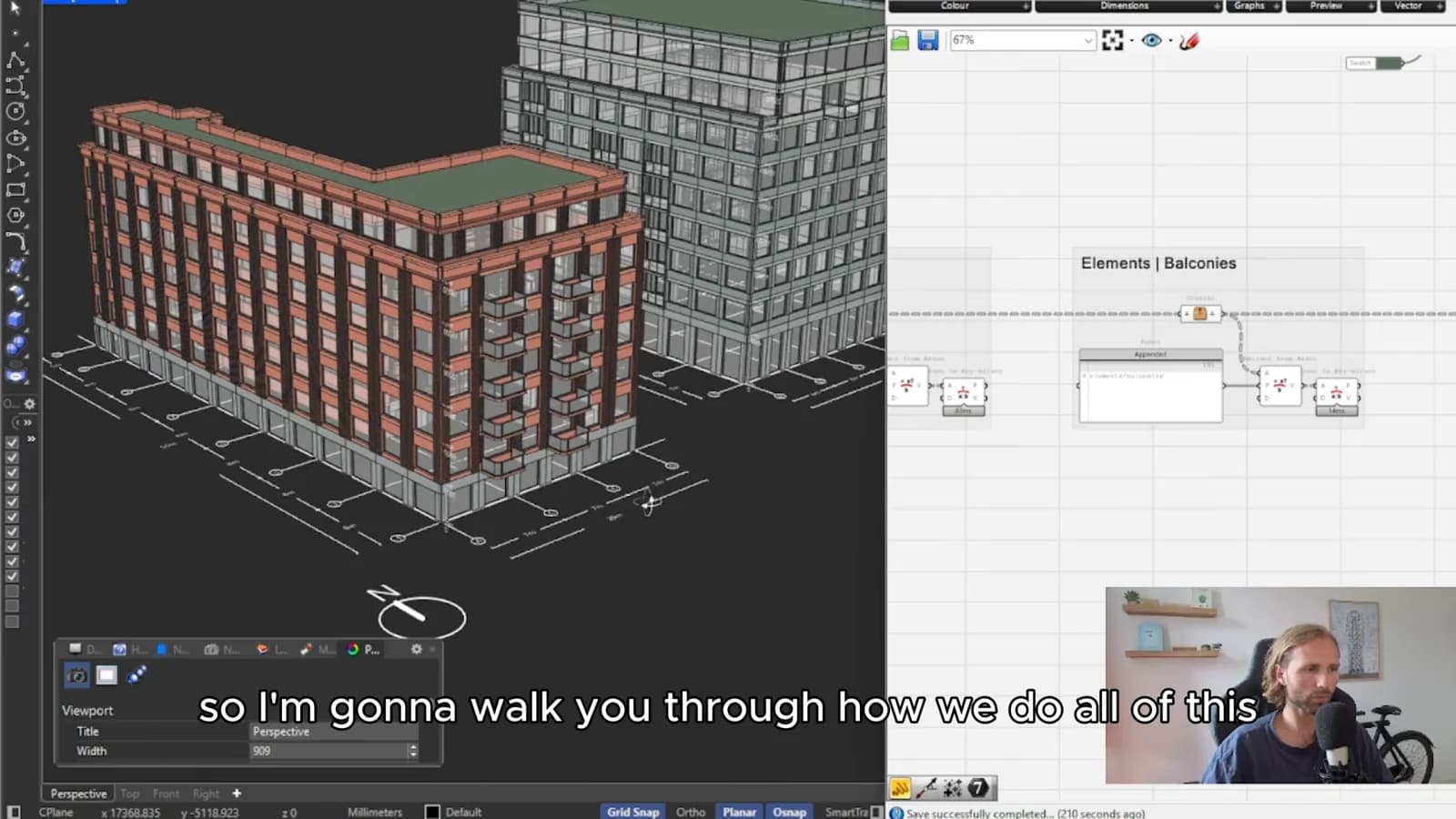
Two facade variations driven by a Grasshopper definition
The Rhino viewport shows two building envelopes beside their parametric definition.
Watch at 1:57

Ontologic concept
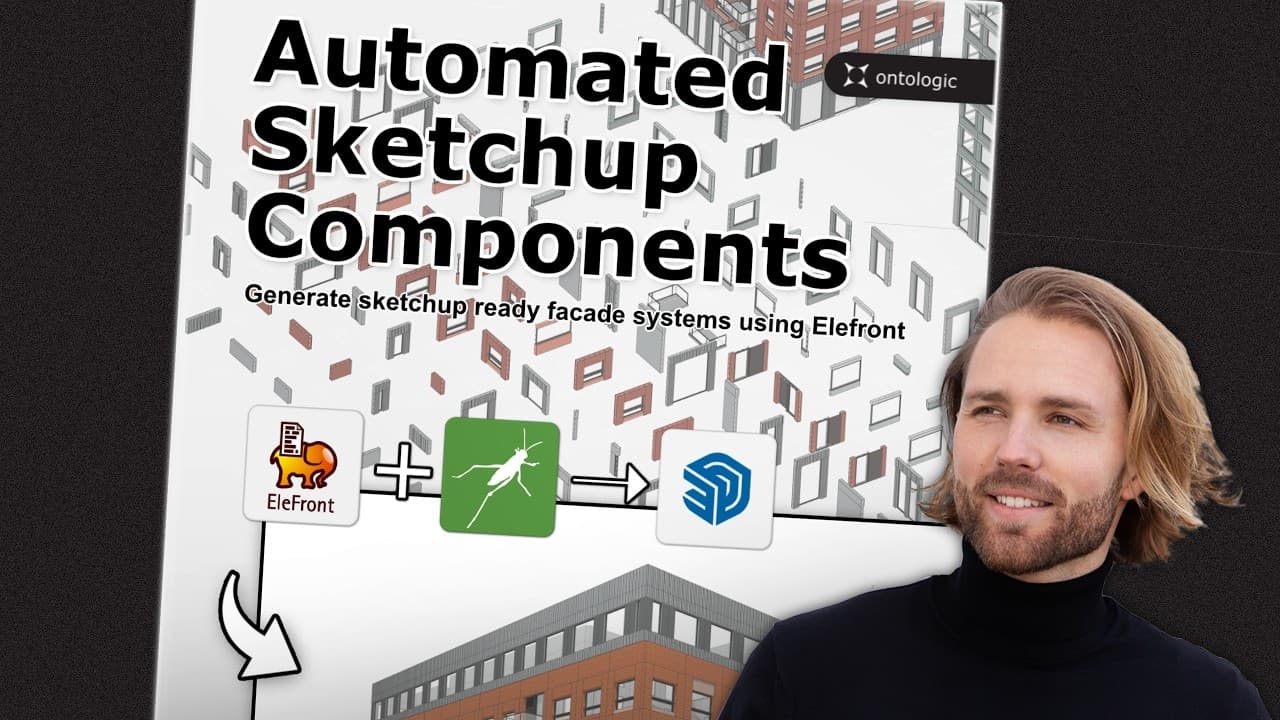
Use Grasshopper as a facade generation engine, then continue design work in SketchUp.
A practical workflow for generating editable SketchUp facade systems from Grasshopper by baking structured blocks with Elefront, exporting from Rhino and continuing the design process in SketchUp.
Format
Video concept
Focus
Workflow
Next step
Learn or implement
Main video
Key insights
Use these notes as a quick way to understand the workflow before or after watching the full video.
Insight 1
The Rhino viewport shows two building envelopes beside their parametric definition.
Watch at 1:57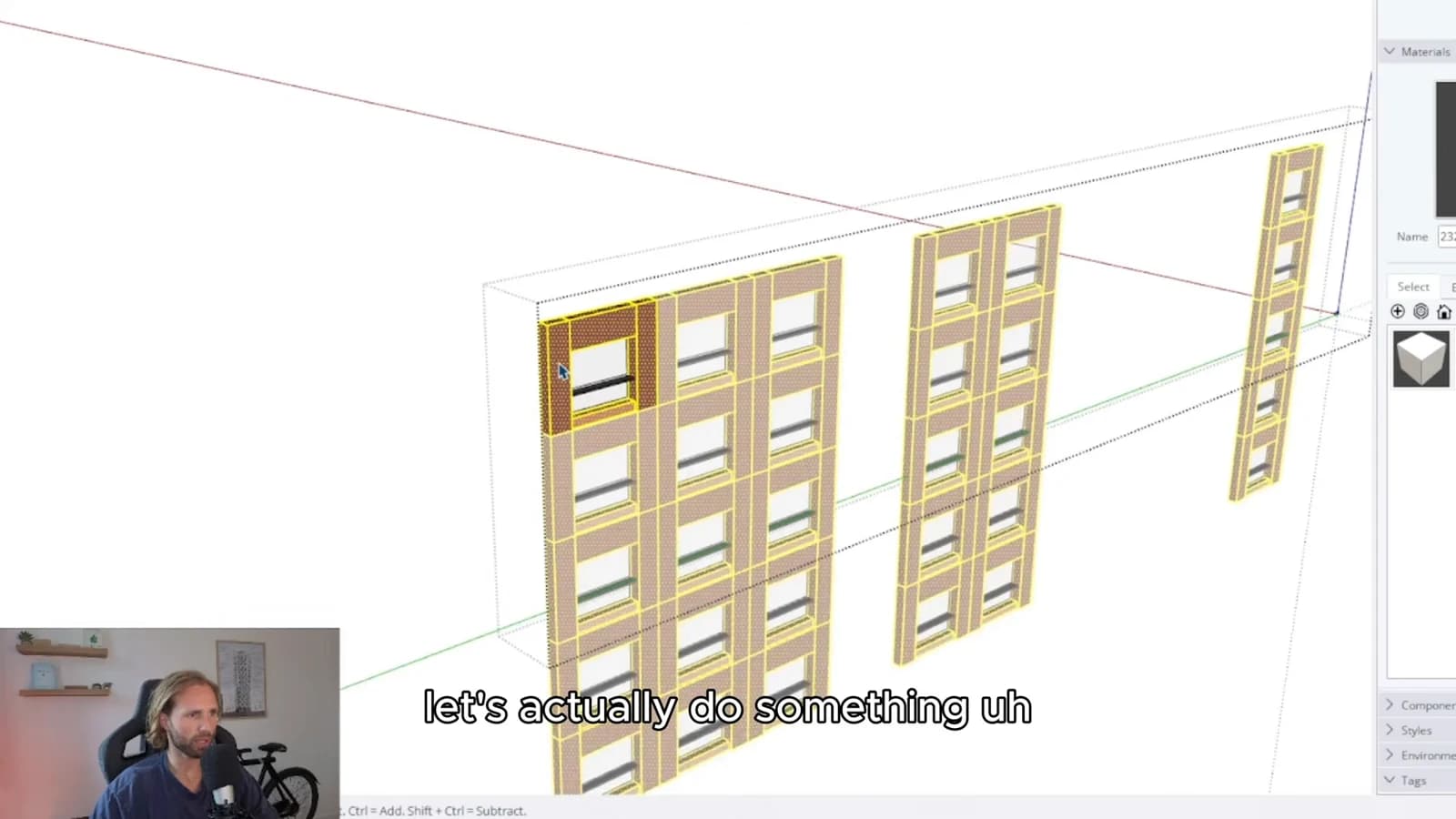
Insight 2
The receiving model exposes a small group of facade bays for closer inspection.
Watch at 12:57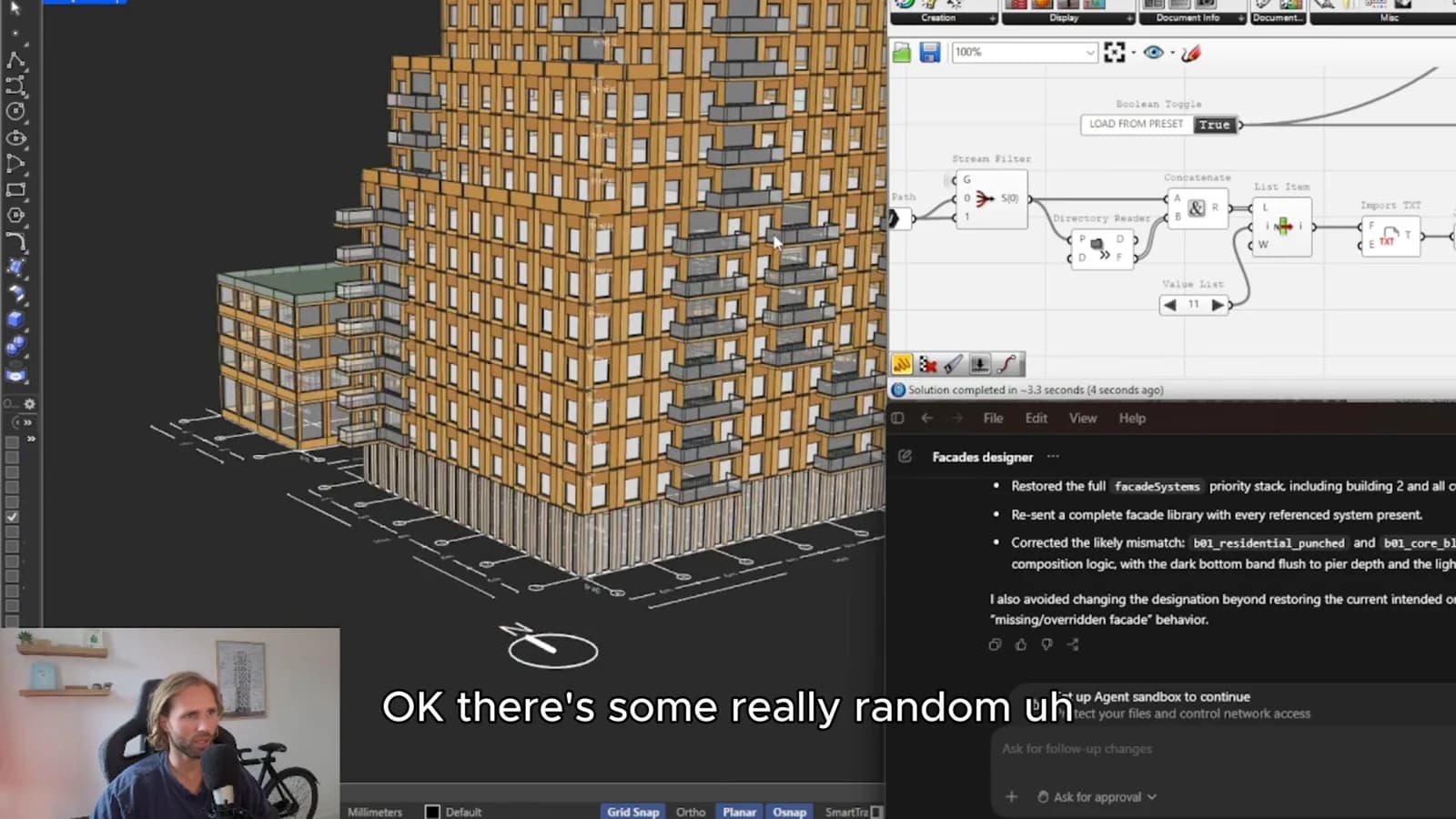
Insight 3
The building facade is shown in SketchUp alongside the source workflow.
Watch at 13:36Learn with Ontologic
Thinking in Data is open for enrollment. Learn to organize data, build clear Grasshopper logic and create adaptable architectural systems. Explore the current course and the roadmap for future BIM and AI workflows.
Links and resources
Use these links to move deeper into the topic, explore related learning paths, or see how Ontologic can help implement similar workflows.
Learn Grasshopper from fundamentals to more advanced computational design workflows.
View courses
Ontologic helps AEC teams build better computational design and automation workflows.
Explore services
Open the original video on YouTube if you want to save, comment or share it there.
Open YouTube
Related concepts
Continue with related Grasshopper, AI, BIM and AEC automation ideas.
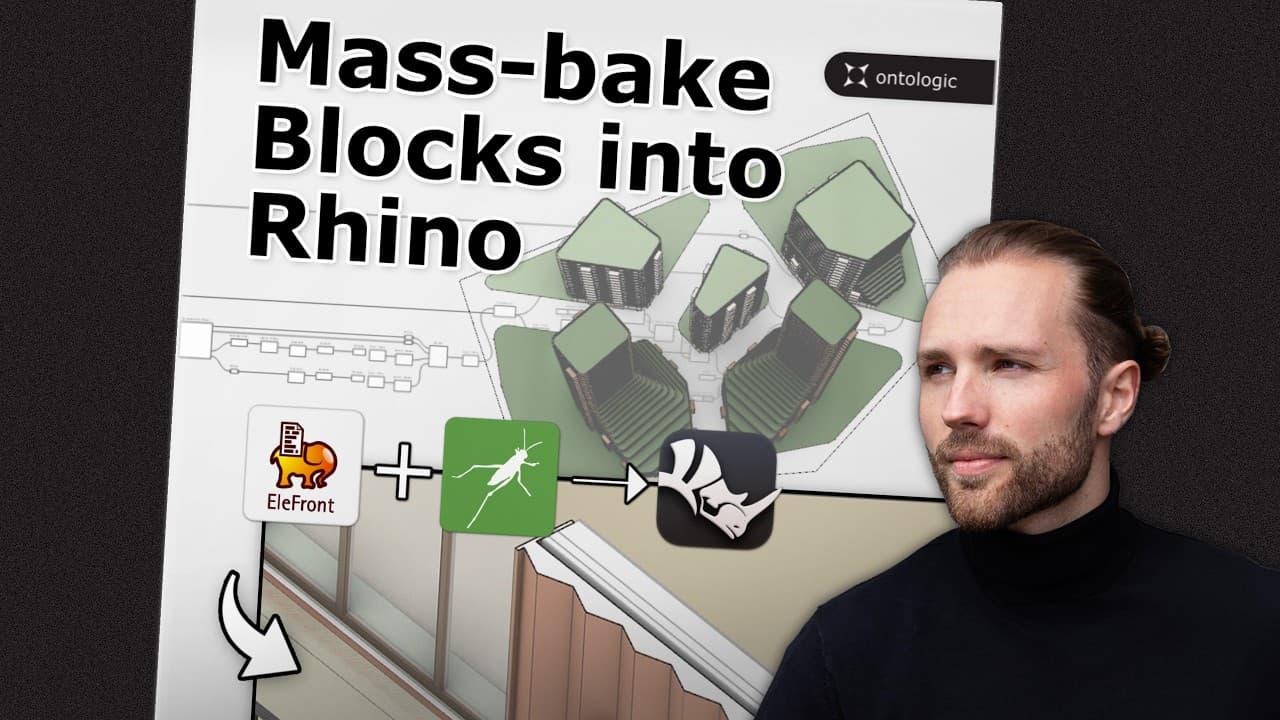
Preserve object data and build smarter baked geometry with Grasshopper, Rhino and Elefront.
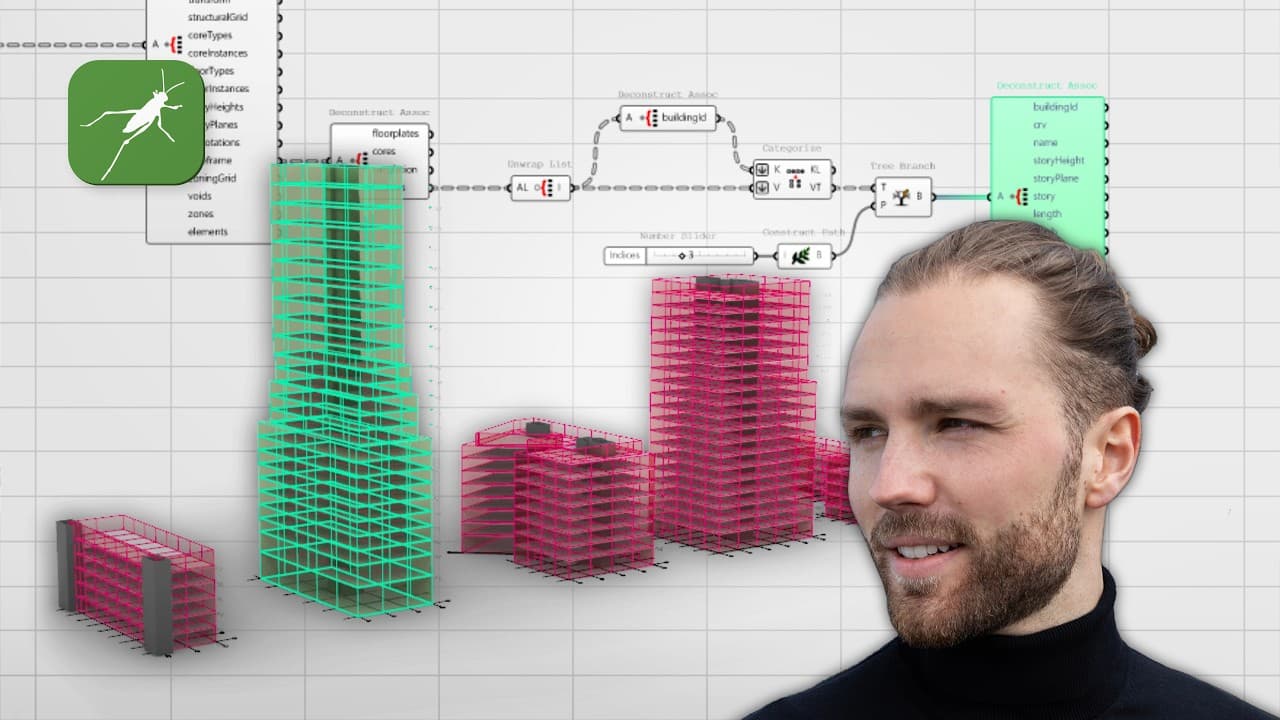
Make Grasshopper definitions more scalable, readable and reusable for real project workflows.
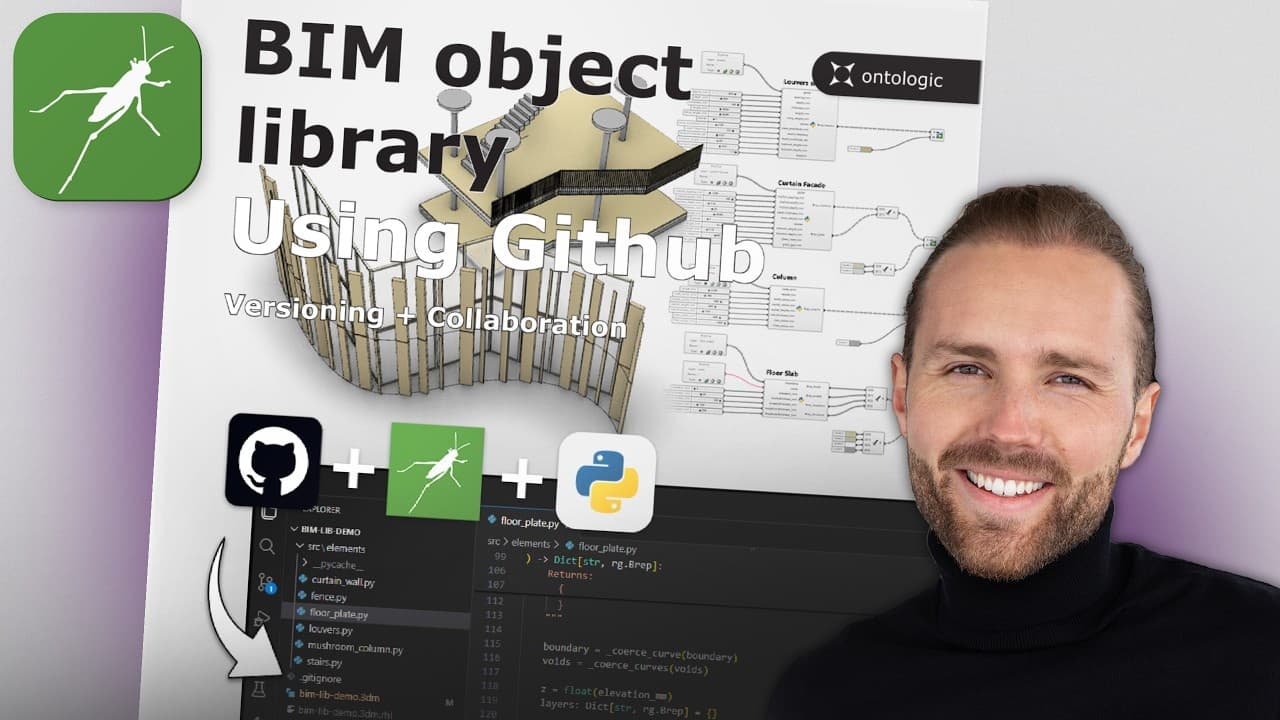
Use version control and better workflow habits when Grasshopper projects become larger and more collaborative.