
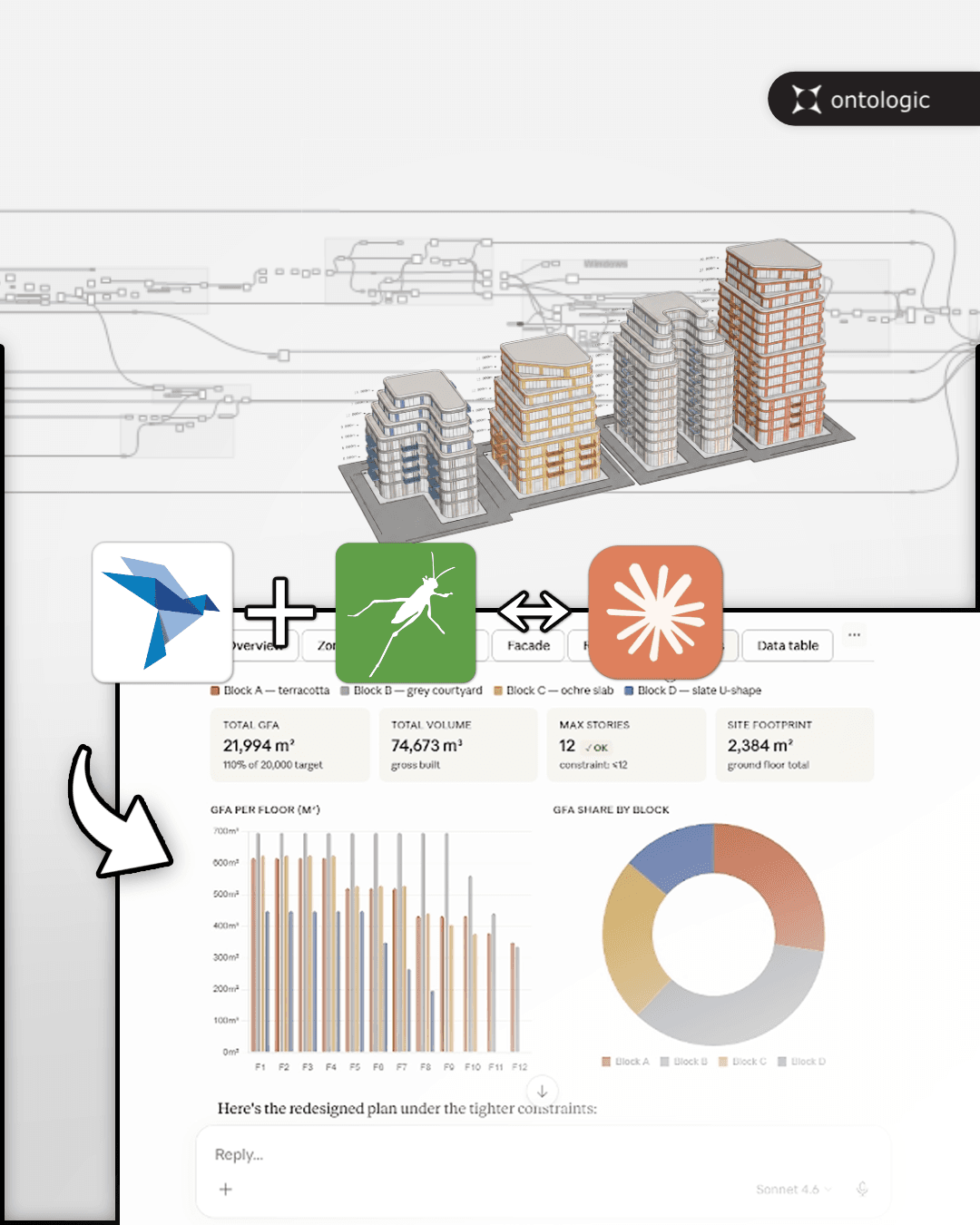
Insight 1
The interface matters
Expose the right controls, not everything
A good AI workflow depends on choosing which parameters, outputs and descriptions the model can access. That interface determines whether the AI can act meaningfully.
Ontologic concept
Expose selected Grasshopper controls and outputs so Claude can steer a parametric workflow.
A demo of connecting Claude to Grasshopper with Swiftlet MCP, allowing AI to interact with and steer parametric design workflows.
Format
Video concept
Focus
AI
Next step
Learn or implement
Main video
Key insights
Use these notes as a quick way to understand the workflow before or after watching the full video.
Insight 1
Expose the right controls, not everything
A good AI workflow depends on choosing which parameters, outputs and descriptions the model can access. That interface determines whether the AI can act meaningfully.
Insight 2
Insight 2
The model needs feedback from Grasshopper
When Claude can inspect model outputs, it can reason about consequences instead of blindly changing values.
Insight 3
Insight 3
AI can interact with a live parametric system
The bigger idea is that Grasshopper definitions can become callable tools inside broader agentic workflows.
AI + Grasshopper workflows
Join the course waitlist and learn how to structure Grasshopper definitions, expose parameters, use outputs and build AI-assisted AEC workflows without losing control over the actual design logic.
Links and resources
Use these links to move deeper into the topic, explore related learning paths, or see how Ontologic can help implement similar workflows.
Related concepts
Continue with related Grasshopper, AI, BIM and AEC automation ideas.
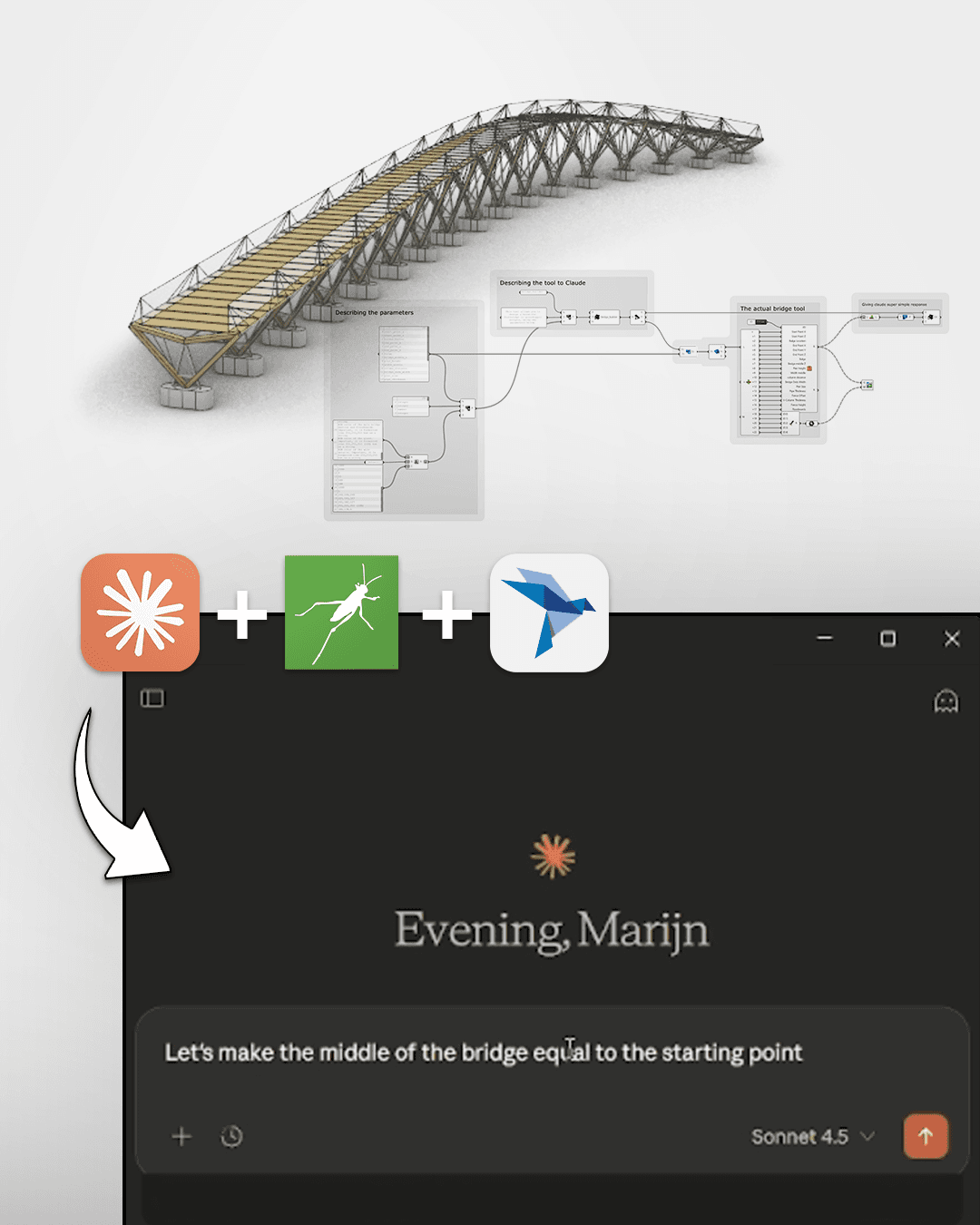
Connect Claude to a parametric model through Swiftlet MCP and let it interact with your design system.
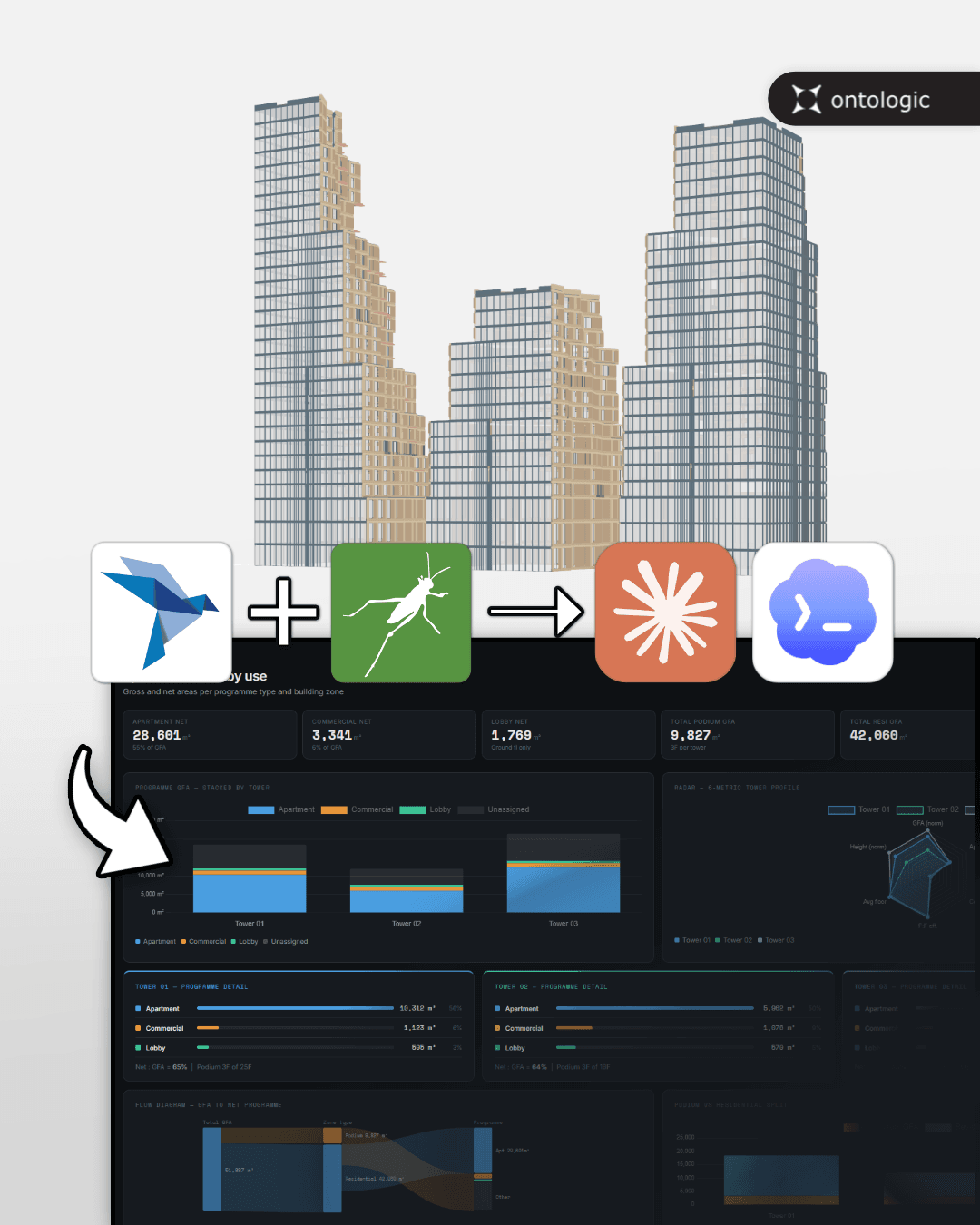
Let an AI agent interact with Grasshopper parameters, model rules and outputs through Swiftlet and MCP.
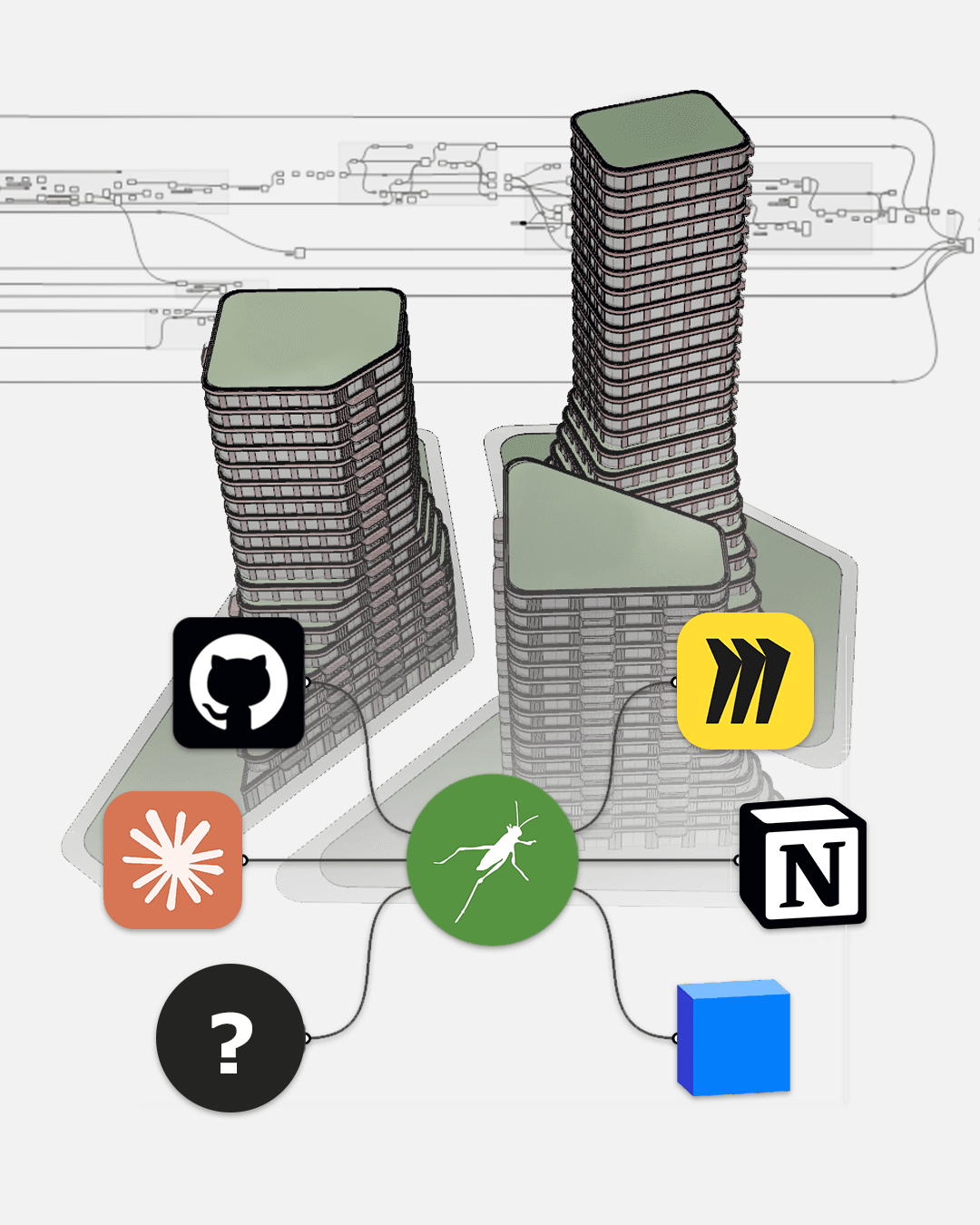
AI shifts the value of computational design toward systems thinking, workflow design and tool orchestration.