Insight 1
Describing a Grasshopper tool to Claude
A labeled group introduces the tool description alongside the building model.
Watch at 5:24

Ontologic concept
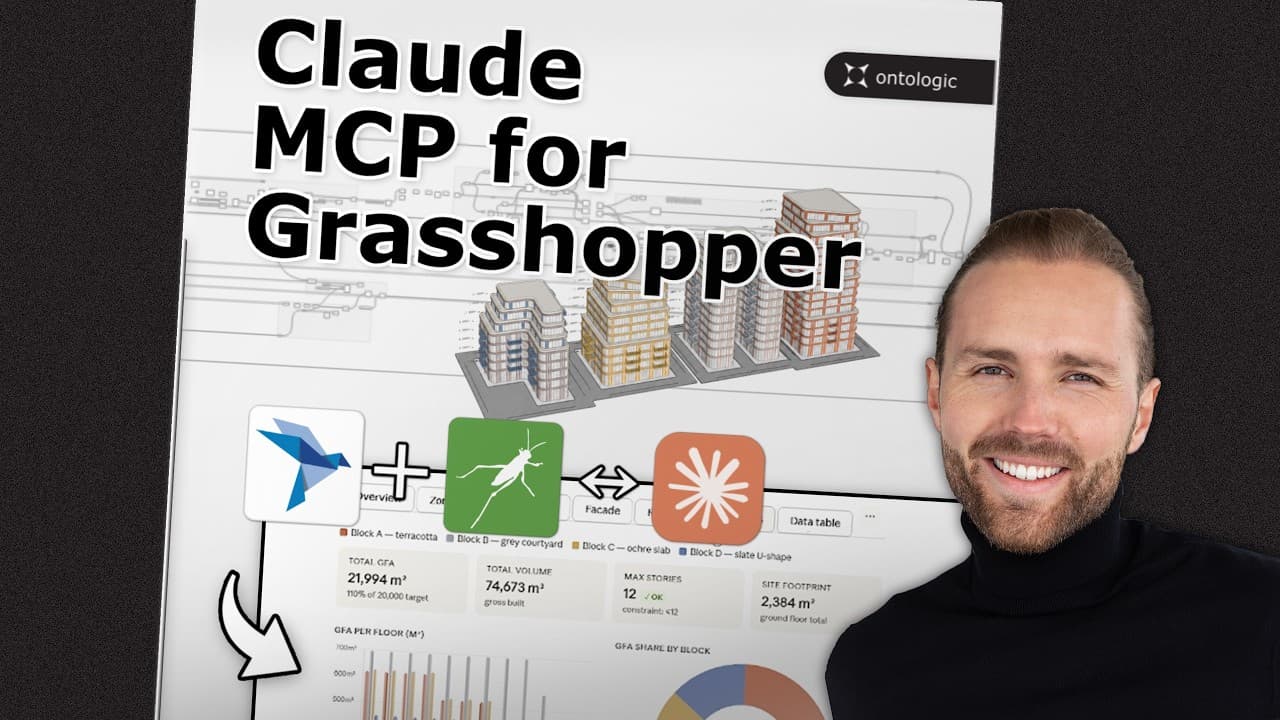
Connect Claude to a parametric model through Swiftlet MCP and let it interact with your design system.
Turn a parametric Grasshopper model into an AI-driven design system by connecting Claude to Grasshopper through Swiftlet MCP.
Format
Video concept
Focus
AI
Next step
Learn or implement
Main video
Try it yourself
Templates are hosted in Ontologic Academy on Circle. Follow the link, then sign in or create a community account to access the template and its instructions.
Key insights
Use these notes as a quick way to understand the workflow before or after watching the full video.
Insight 1
A labeled group introduces the tool description alongside the building model.
Watch at 5:24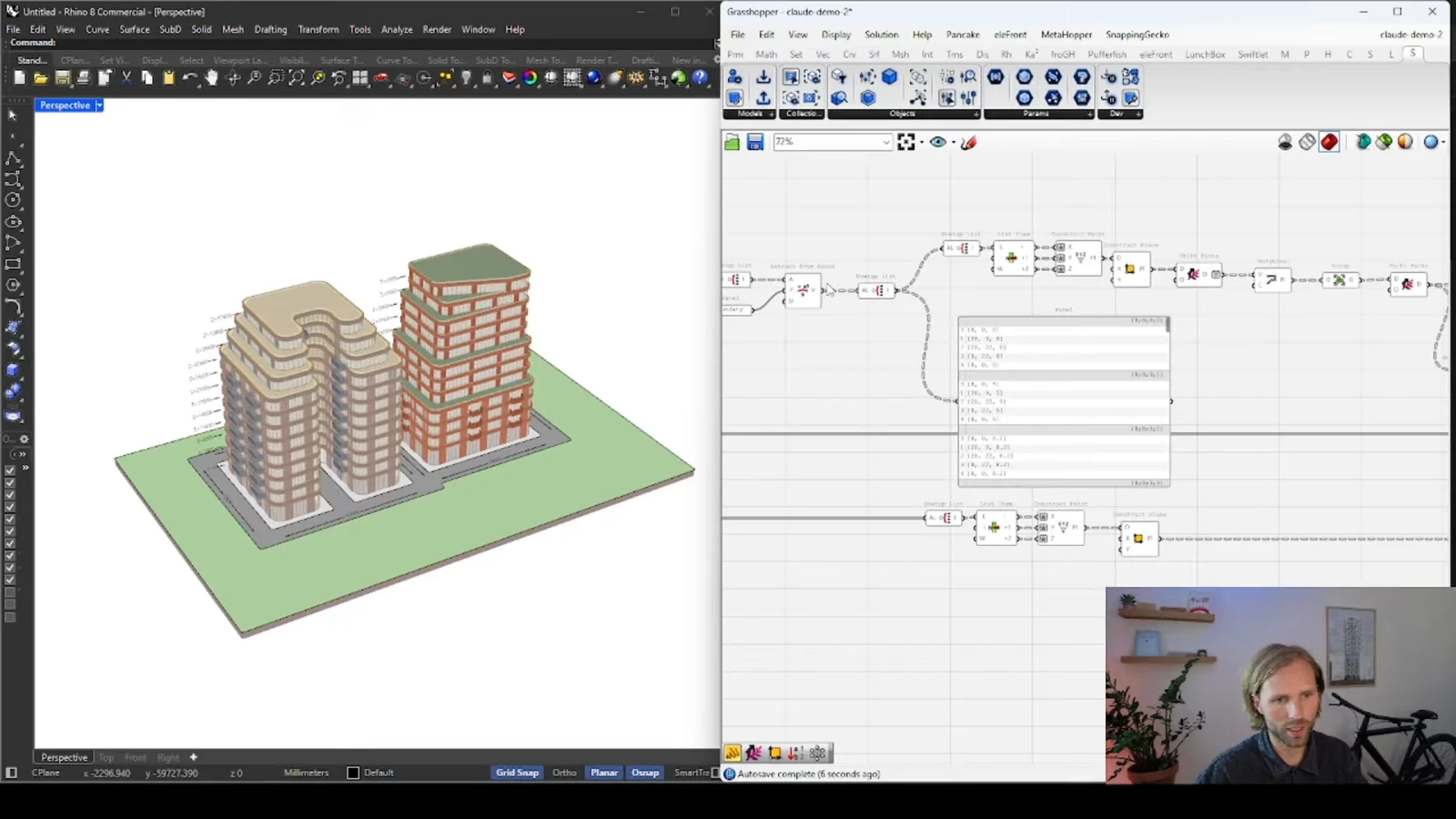
Insight 2
The model remains visible while its parameter workflow is inspected.
Watch at 3:45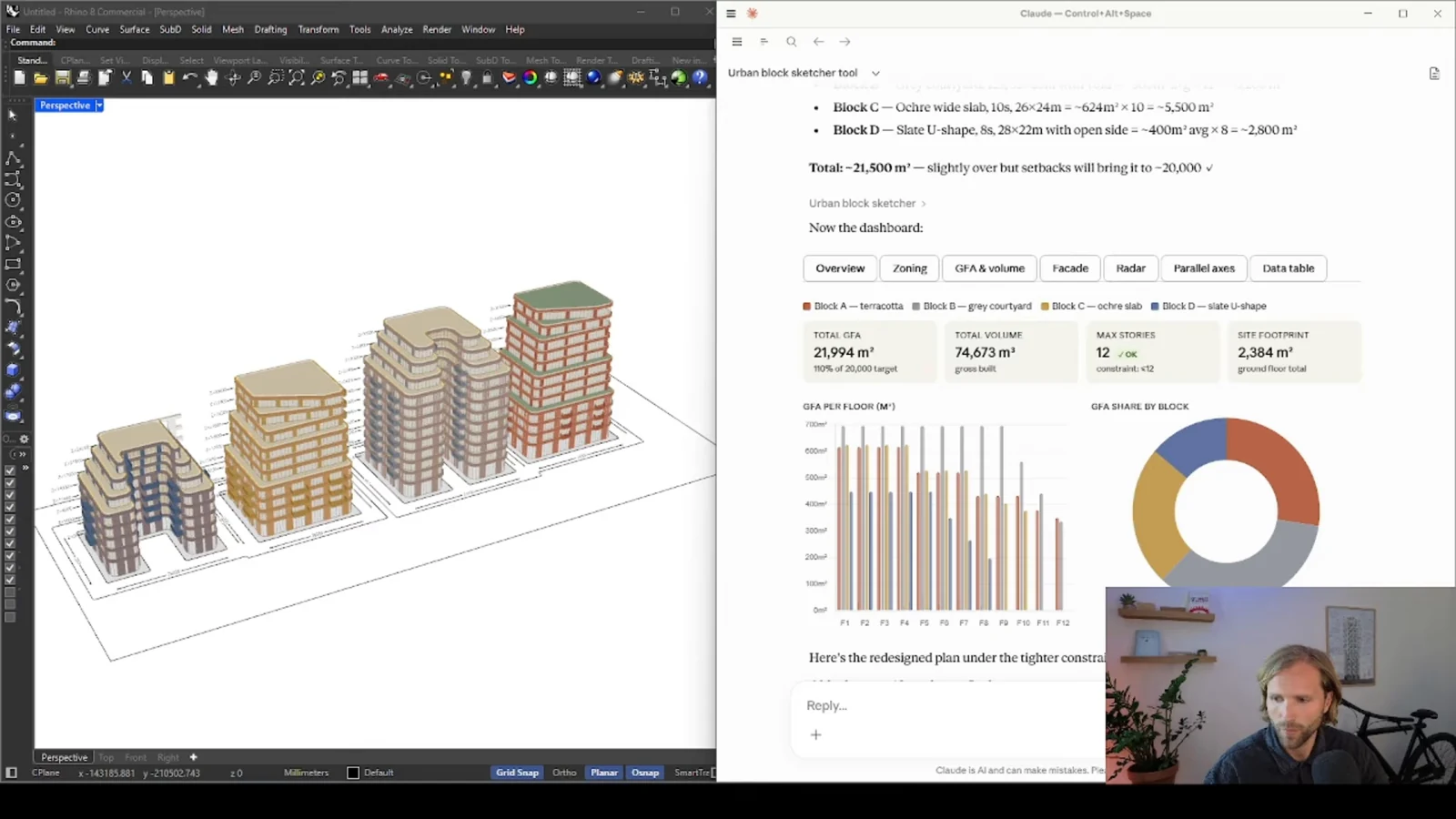
Insight 3
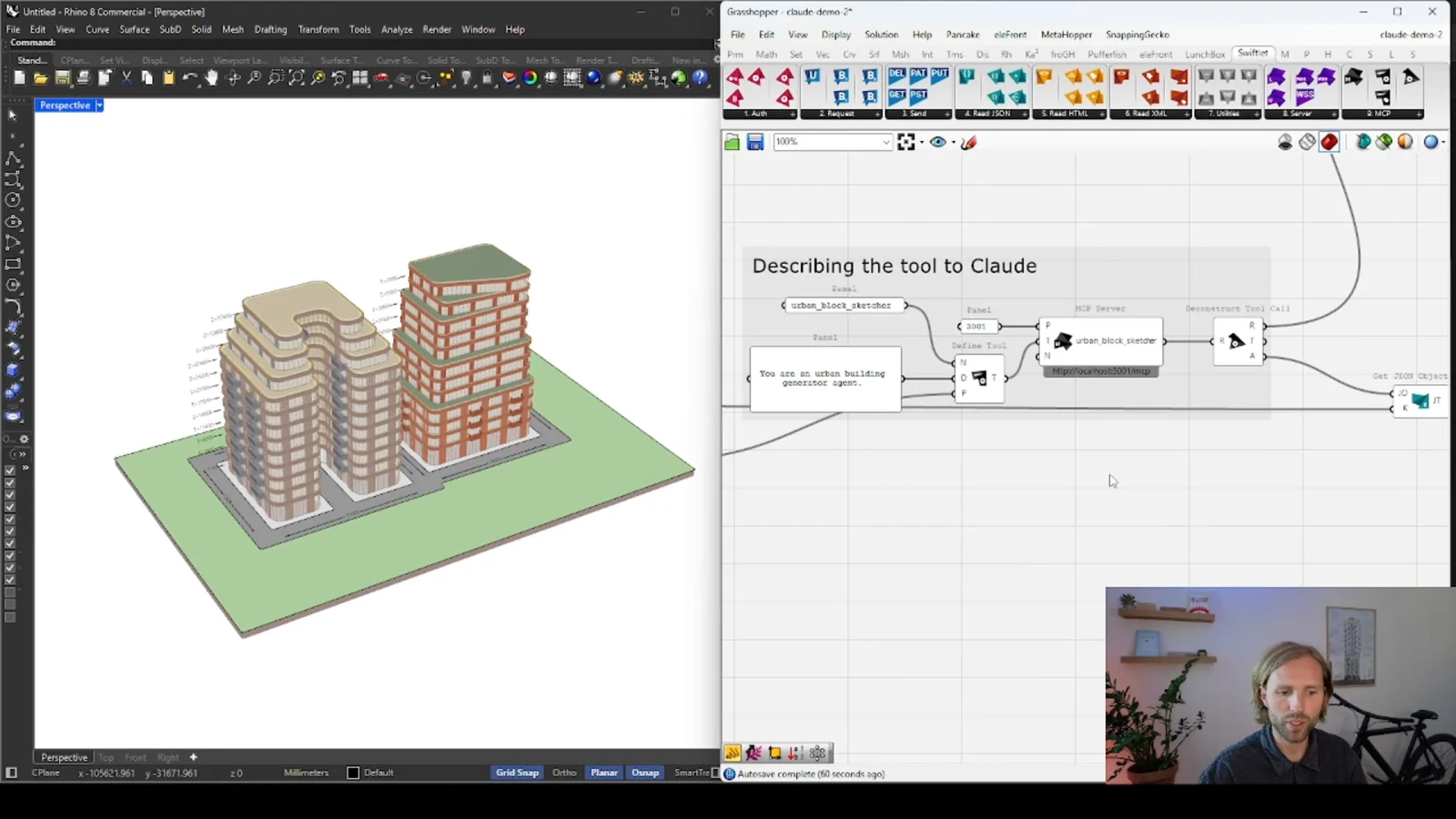
The Rhino model appears beside charts and reported values used to evaluate the study.
Watch at 0:25AI + Grasshopper workflows
Start with Thinking in Data to learn the data structures and reusable logic behind adaptable Grasshopper definitions. AI-assisted design is a later stage of the curriculum; explore the current course and future roadmap.
Links and resources
Use these links to move deeper into the topic, explore related learning paths, or see how Ontologic can help implement similar workflows.
Related concepts
Continue with related Grasshopper, AI, BIM and AEC automation ideas.
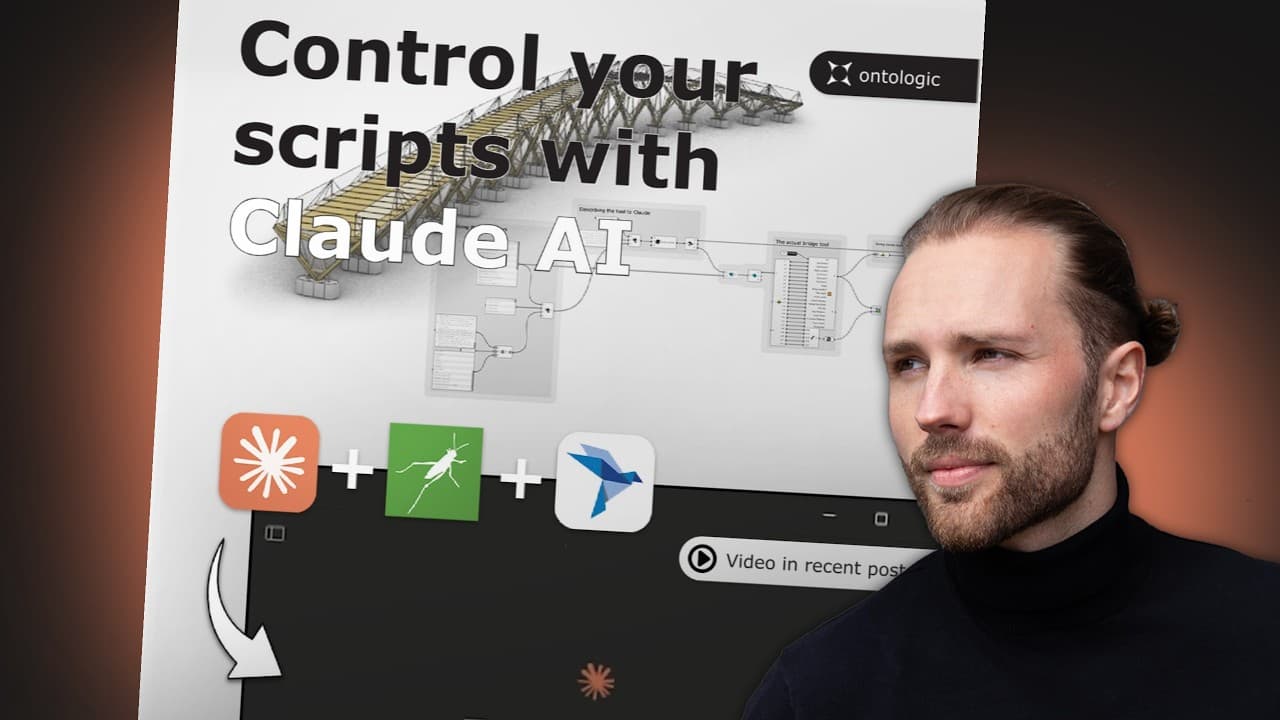
Expose selected Grasshopper controls and outputs so Claude can steer a parametric workflow.
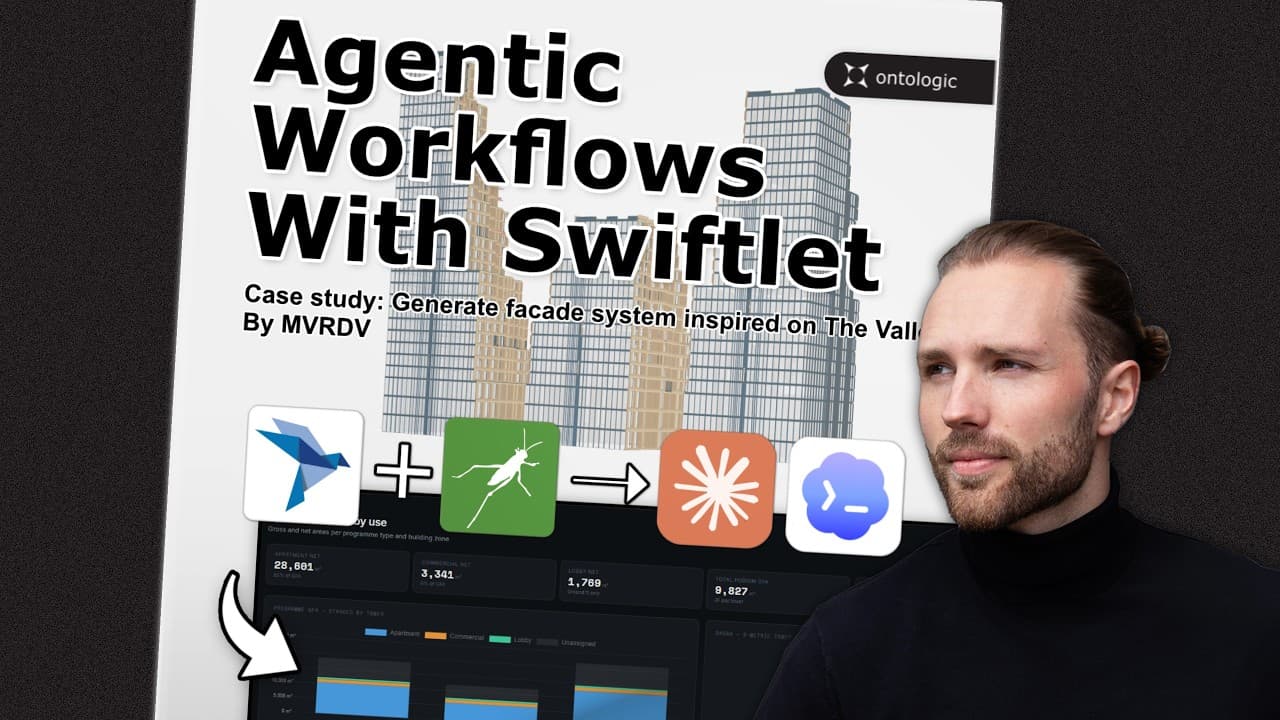
Let an AI agent interact with Grasshopper parameters, model rules and outputs through Swiftlet and MCP.
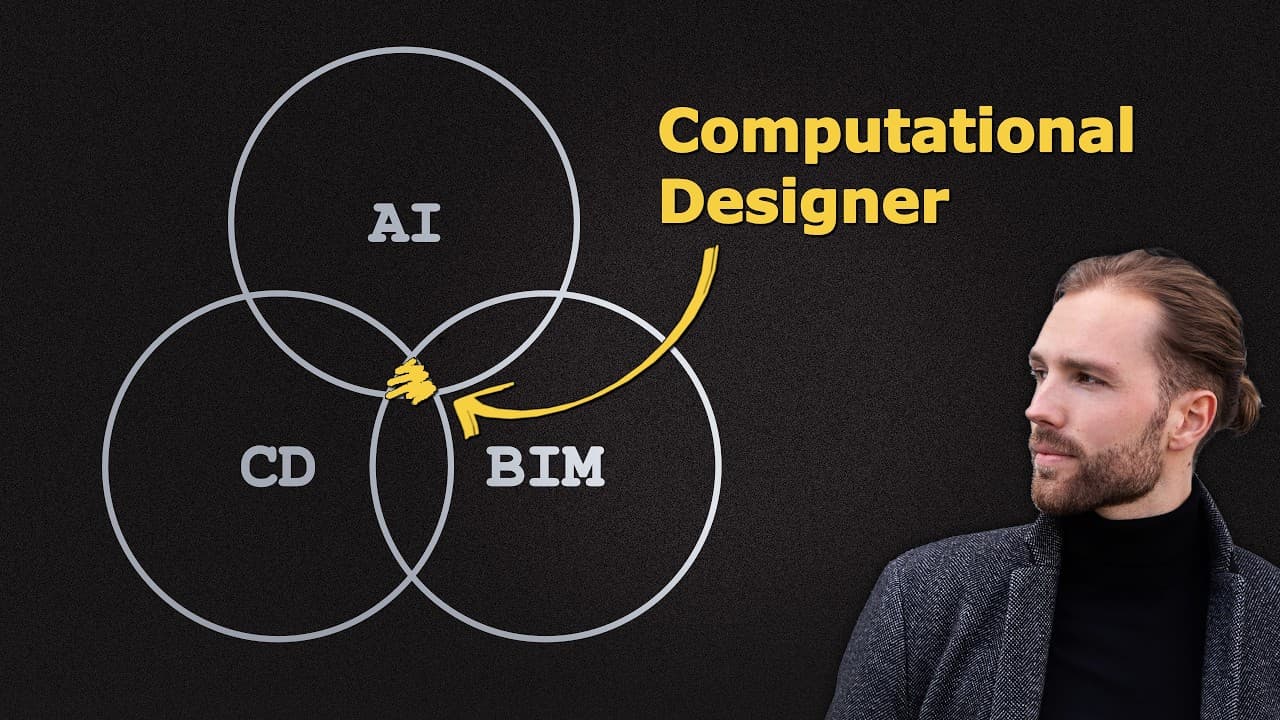
AI shifts the value of computational design toward systems thinking, workflow design and tool orchestration.