

AI / Field notes
Why AI Makes Computational Designers More Valuable
AI shifts the value of computational design toward systems thinking, workflow design and tool orchestration.
If AI can produce scripts, what remains valuable about computational design? The answer begins with the difference between generating code and deciding which system a project needs. This video argues for a broader role: connecting design intent, technical logic and the people who depend on the workflow.
The hard part starts before the script
A project brief rarely arrives as a complete computational specification. Someone has to identify the inputs, resolve competing requirements and decide what counts as a useful result. Those decisions require an understanding of the design process and the context in which the tool will be used.
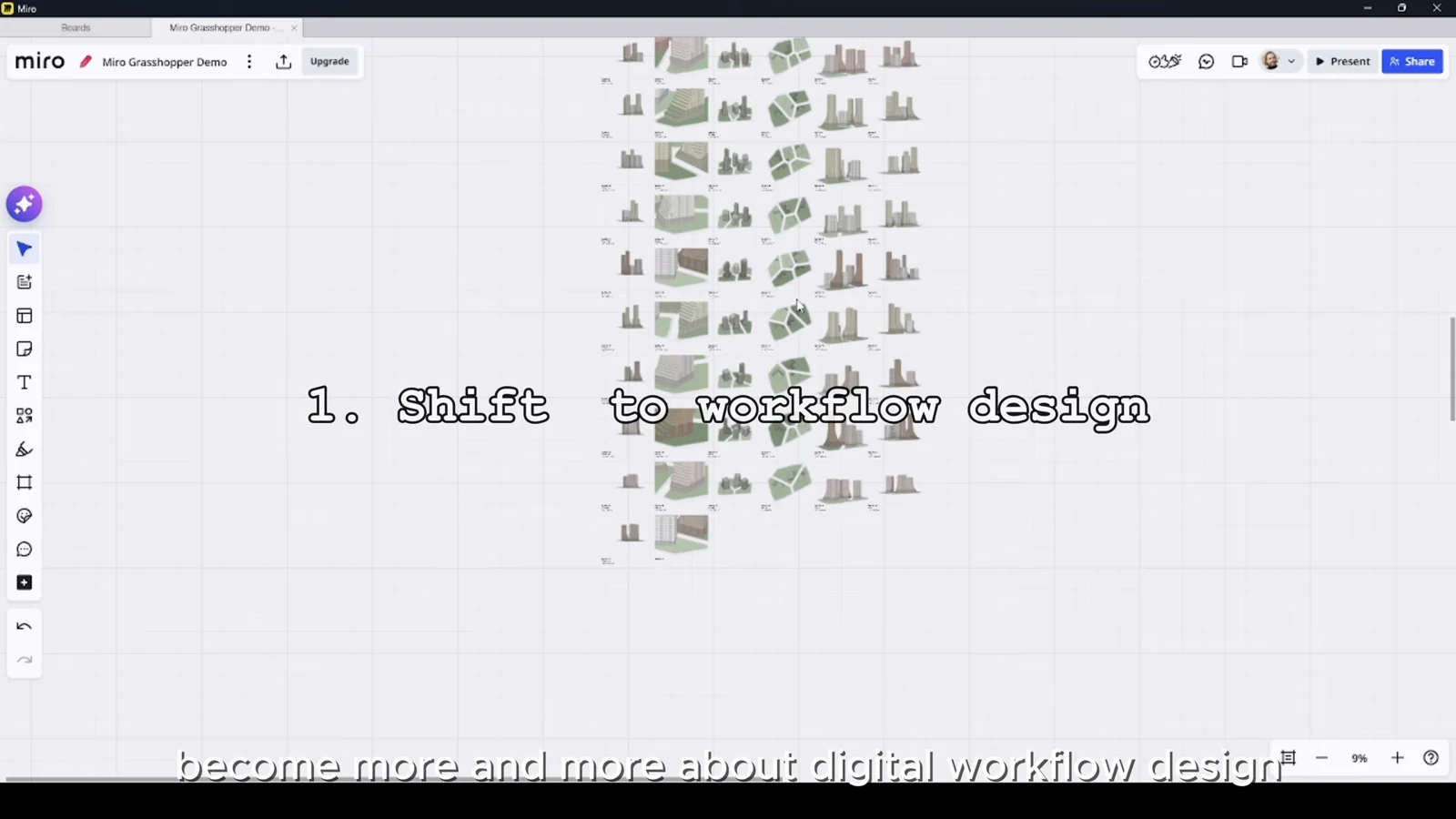
AI can assist with implementation, but producing an answer quickly does not establish that the right question was asked. Computational designers bring value by making assumptions explicit and translating a messy project problem into a system that can be inspected.
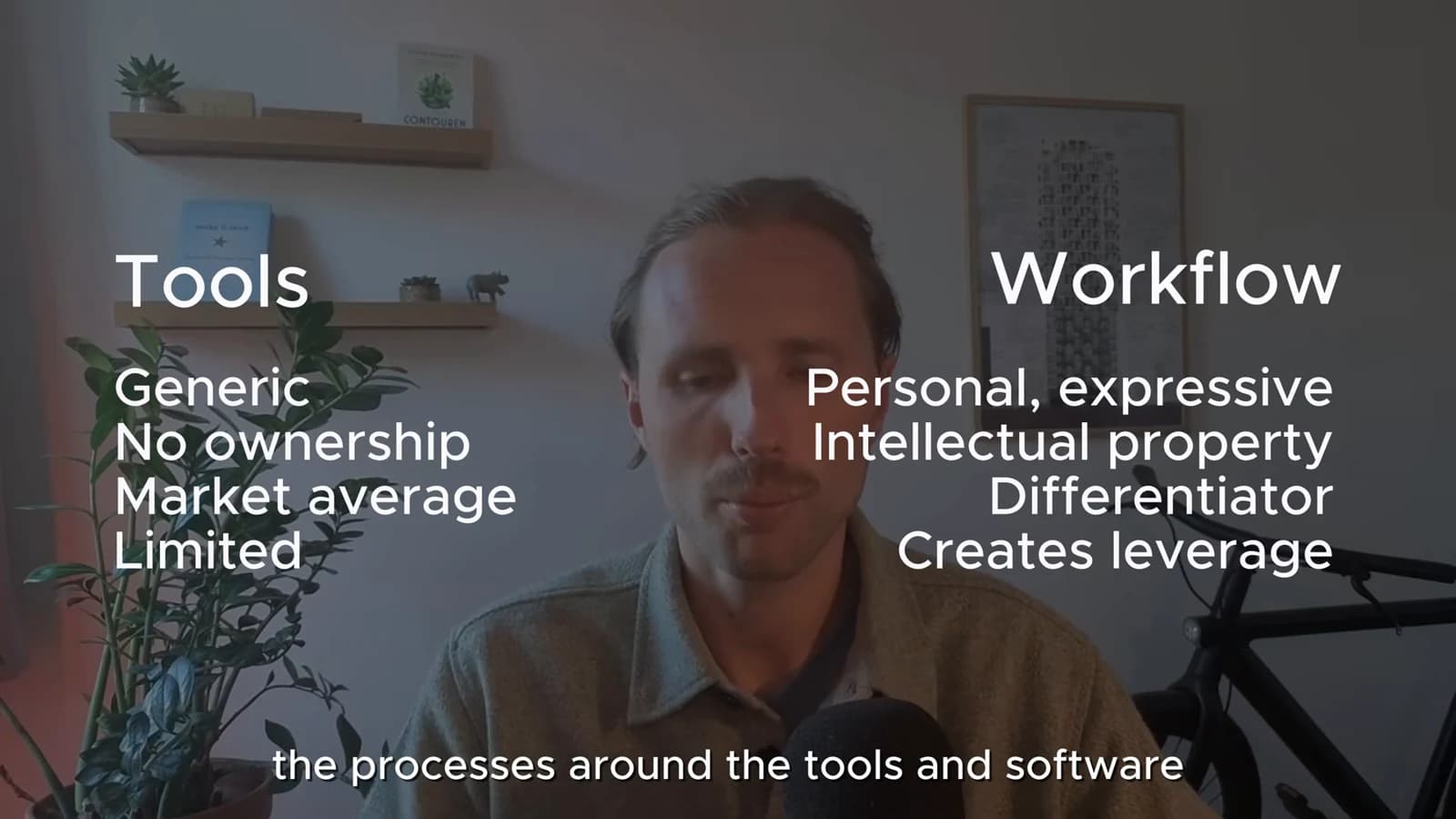
Evaluate the whole workflow
A clever definition may still fail if its output is difficult to review, exchange or maintain. Consider who supplies the data, who checks the result and how a decision moves into the next project stage. These connections determine whether automation actually saves effort.
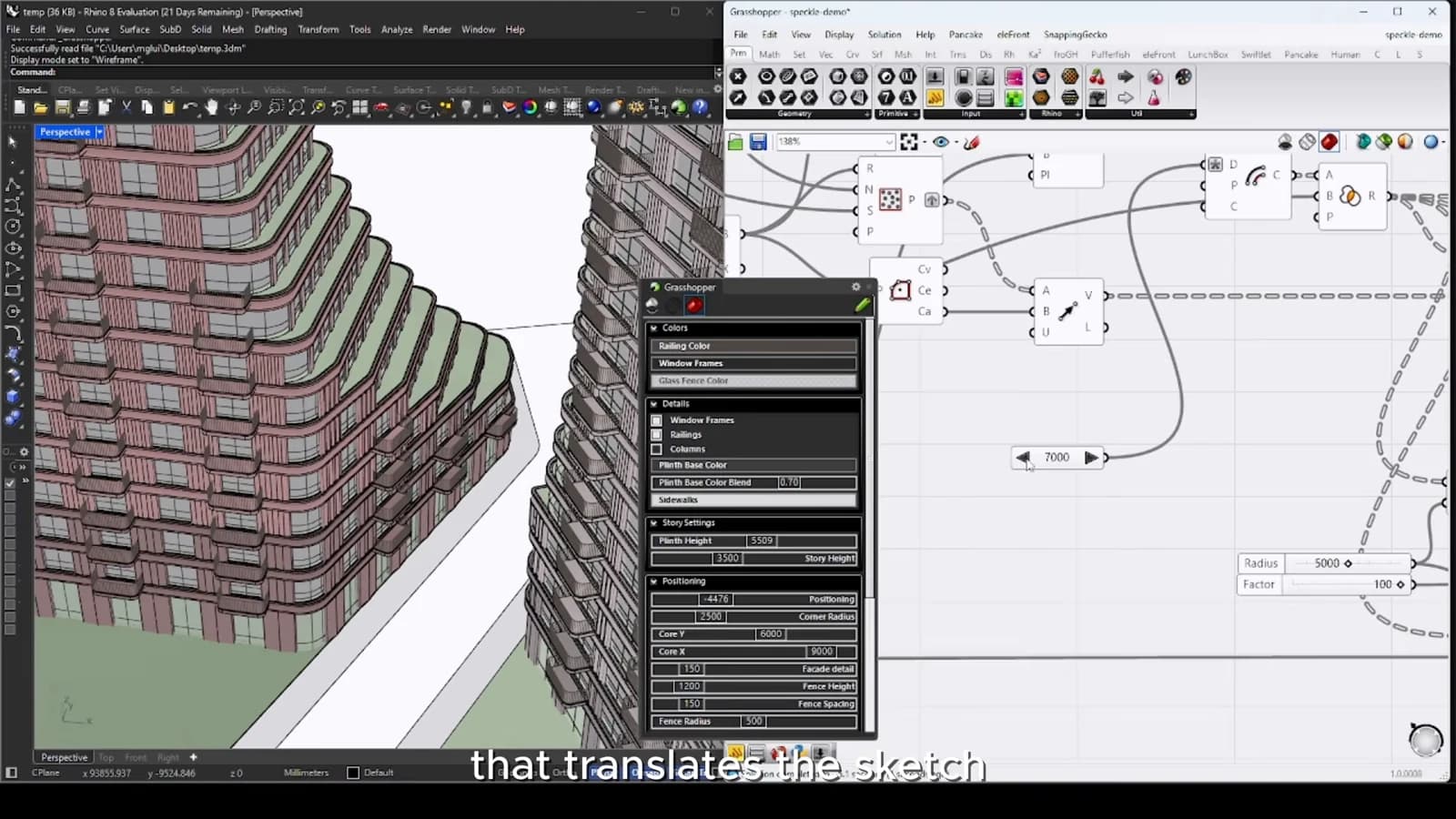
This shifts attention from isolated components toward interfaces between tools and teams. Grasshopper, BIM data, dashboards and AI can support the same process, but someone still needs to decide what information passes between them and how errors become visible.
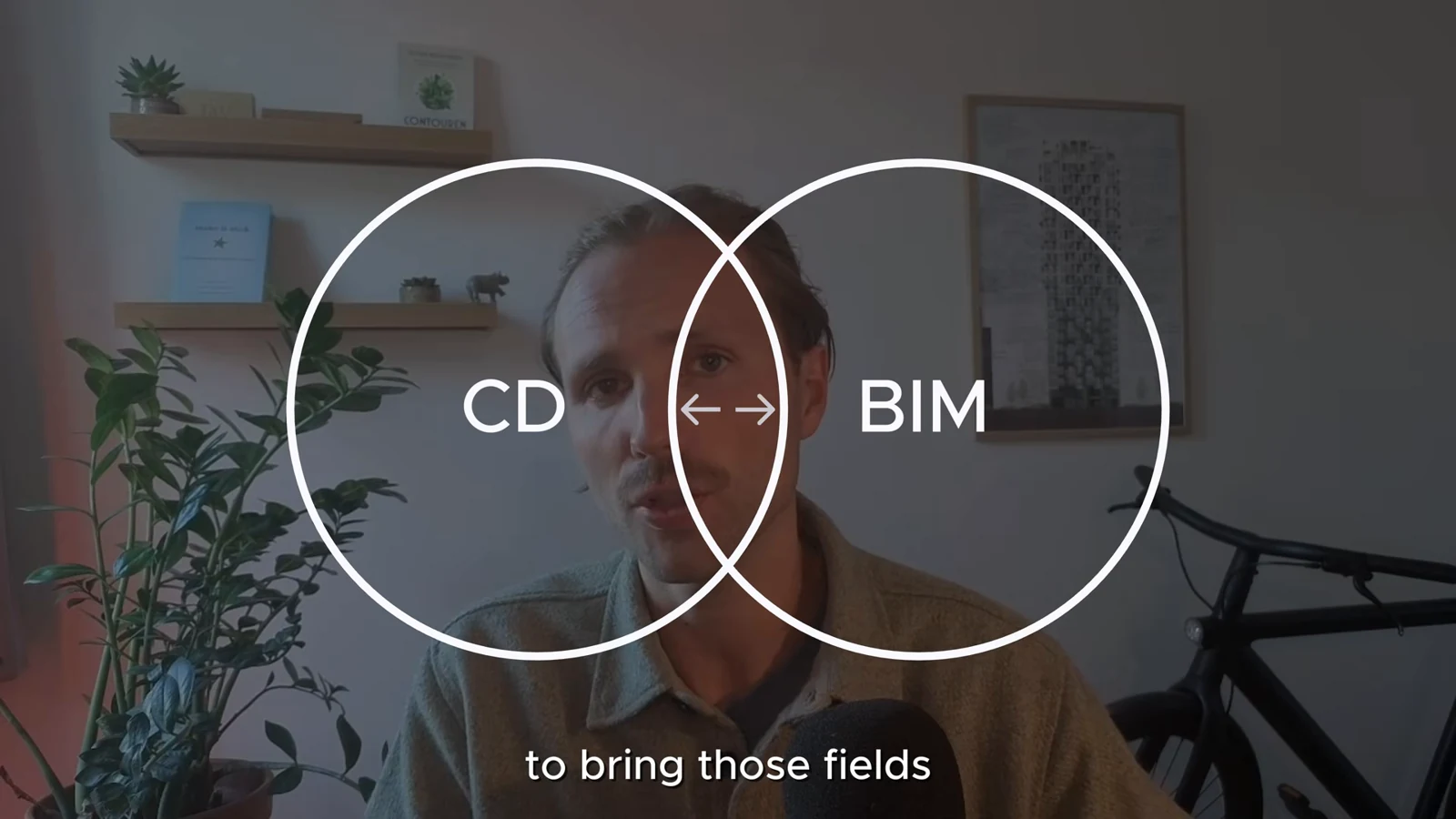
Make judgment visible
A practical way to develop this role is to document why a workflow exists, which assumptions it makes and where human review is required. Then use AI to accelerate bounded implementation tasks. The resulting work is easier to explain and maintain because its value is tied to a project outcome, rather than to the amount of code produced.
From concept to canvas
See the workflow in practice
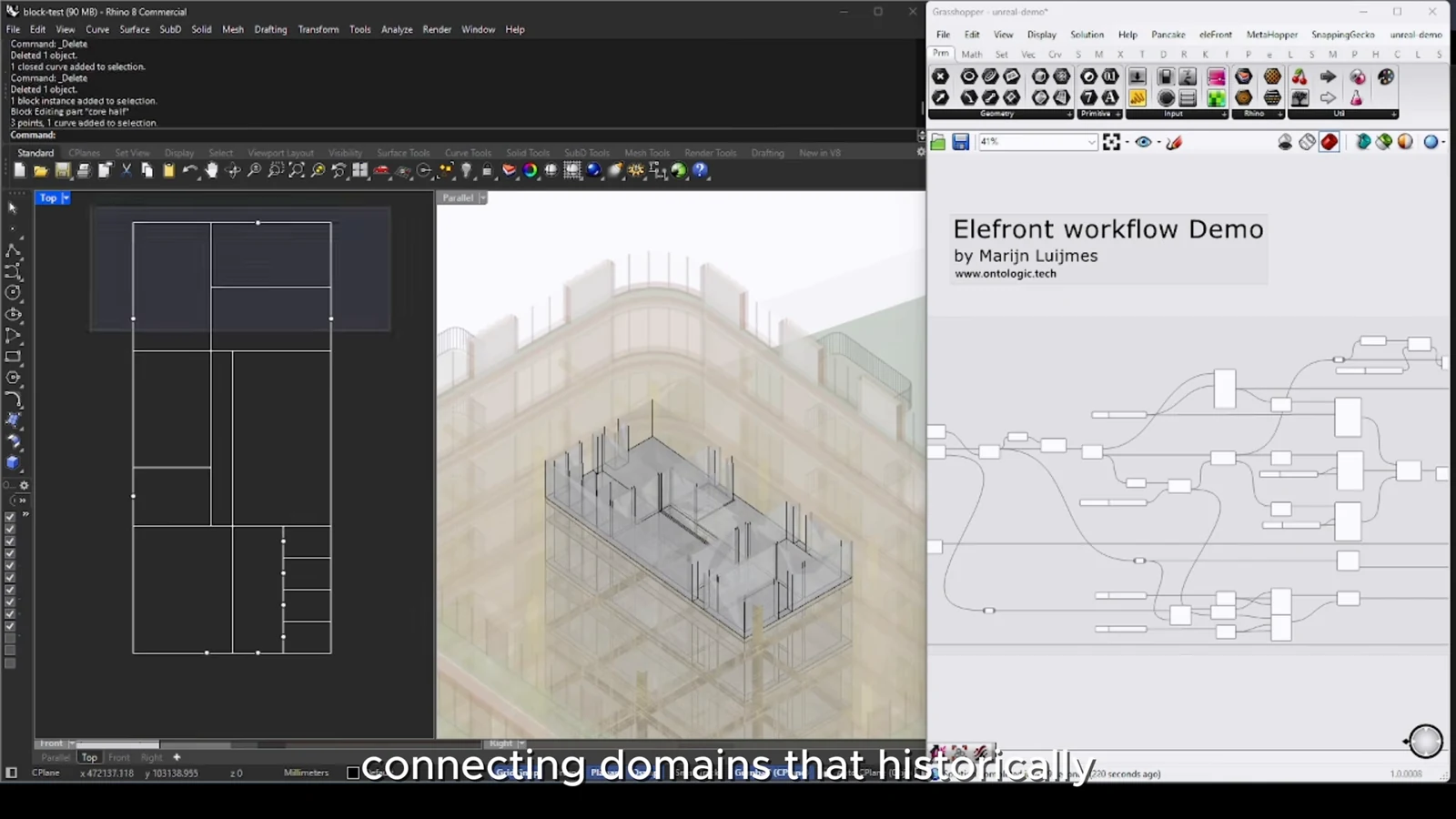
The companion video shows the model and the workflow behind these ideas. Watch the walkthrough when you want to see how the pieces connect.
Watch on YouTube