
AI / Field notes
Build an AI Agent in Grasshopper with Claude
Connect Claude to a parametric model through Swiftlet MCP and let it interact with your design system.
Connecting Claude to Grasshopper is an interface design problem as much as an AI experiment. The Swiftlet and MCP workflow in this video explores how an agent can reach selected parts of a parametric model without making the entire definition an unrestricted control surface.
Try it yourself
Get the template in the community
Templates are hosted in Ontologic Academy on Circle. Follow the link, then sign in or create a community account to access the template and its instructions.
Build a narrow bridge
A useful connection exposes the operations that matter for a task. Describe what each control does, what values it accepts and what result the agent should inspect afterward. This gives the conversation a concrete relationship to the model.
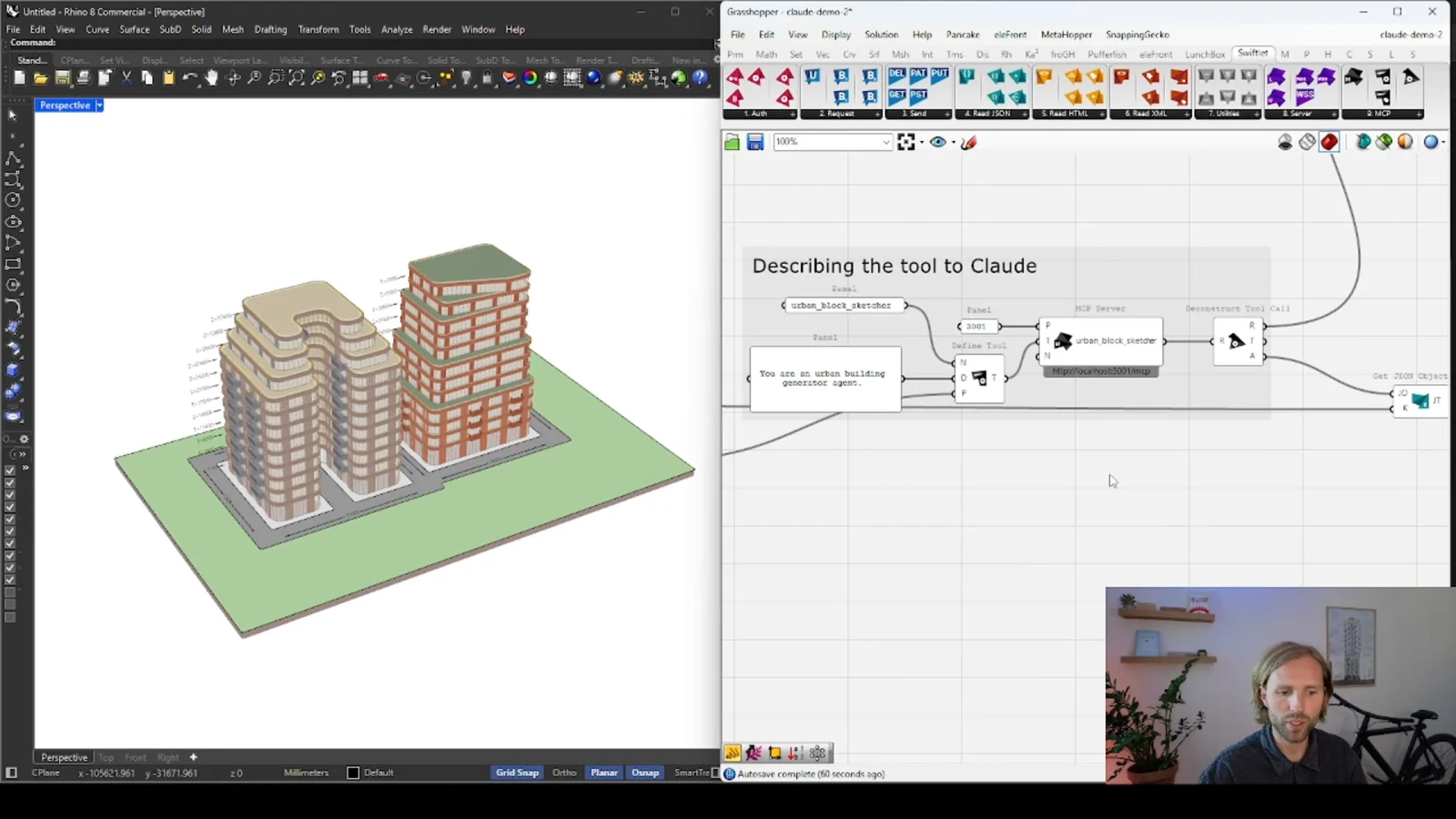
MCP provides a way for an AI client to interact with tools; the quality of those tools still depends on their design. A broad collection of unexplained parameters is less helpful than a small interface organized around meaningful design actions.
Keep the model responsible for its rules
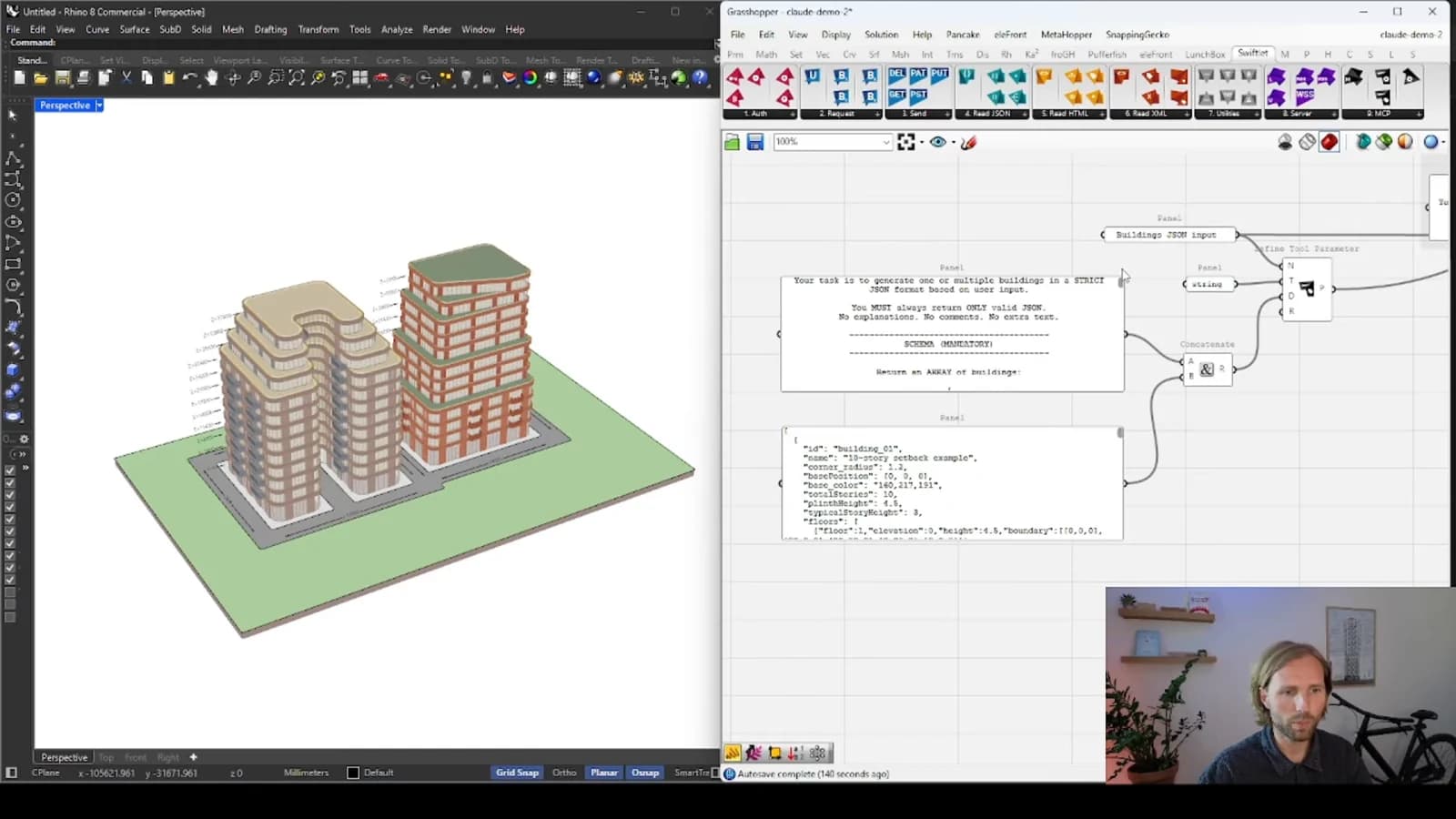
The Grasshopper definition should continue to encode the geometry and constraints. Claude can help interpret an instruction and choose an operation, but the model needs to remain inspectable independently of the conversation.
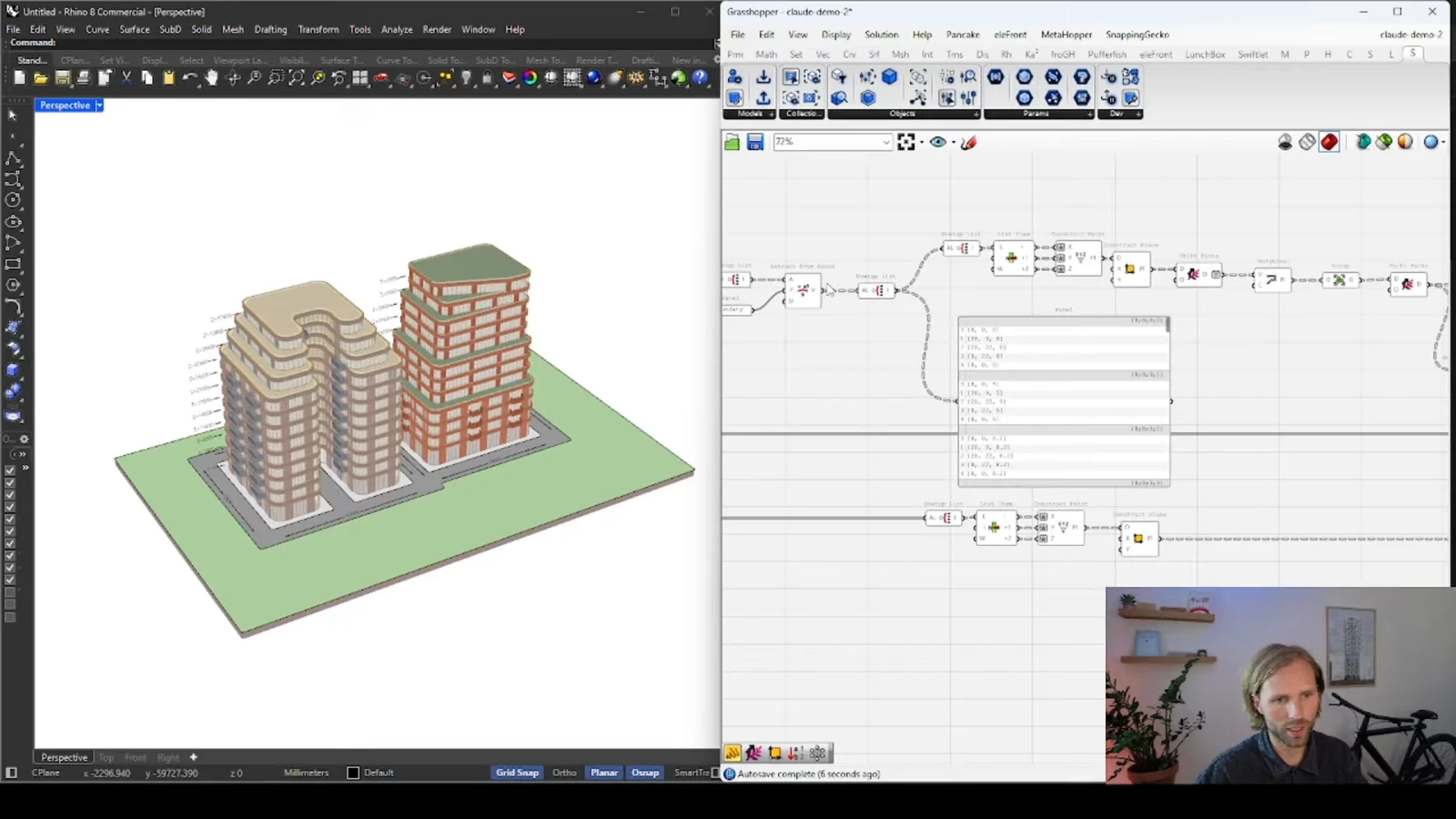
Before expanding access, test a simple round trip: inspect the current state, request one bounded change and verify the resulting output. This helps distinguish a communication problem from a problem in the underlying definition. It also establishes what a successful action looks like.
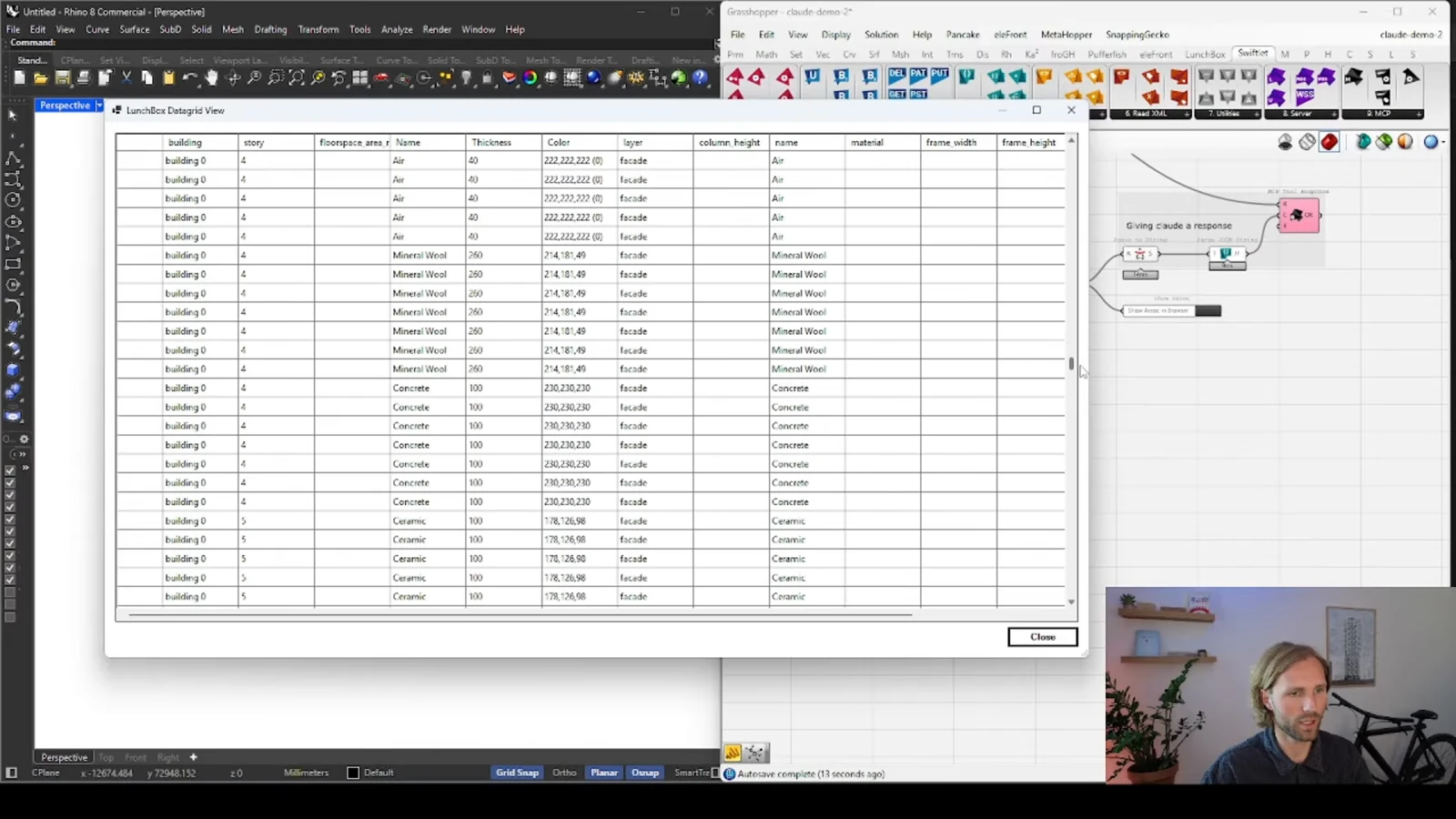
Review consequences, not just responses
An agent's explanation is not a substitute for checking the model. Look at both the changed inputs and their geometric consequences. Save a known state before exploring, especially when several operations are combined. A good workflow makes it straightforward for the designer to understand and reverse an experiment.
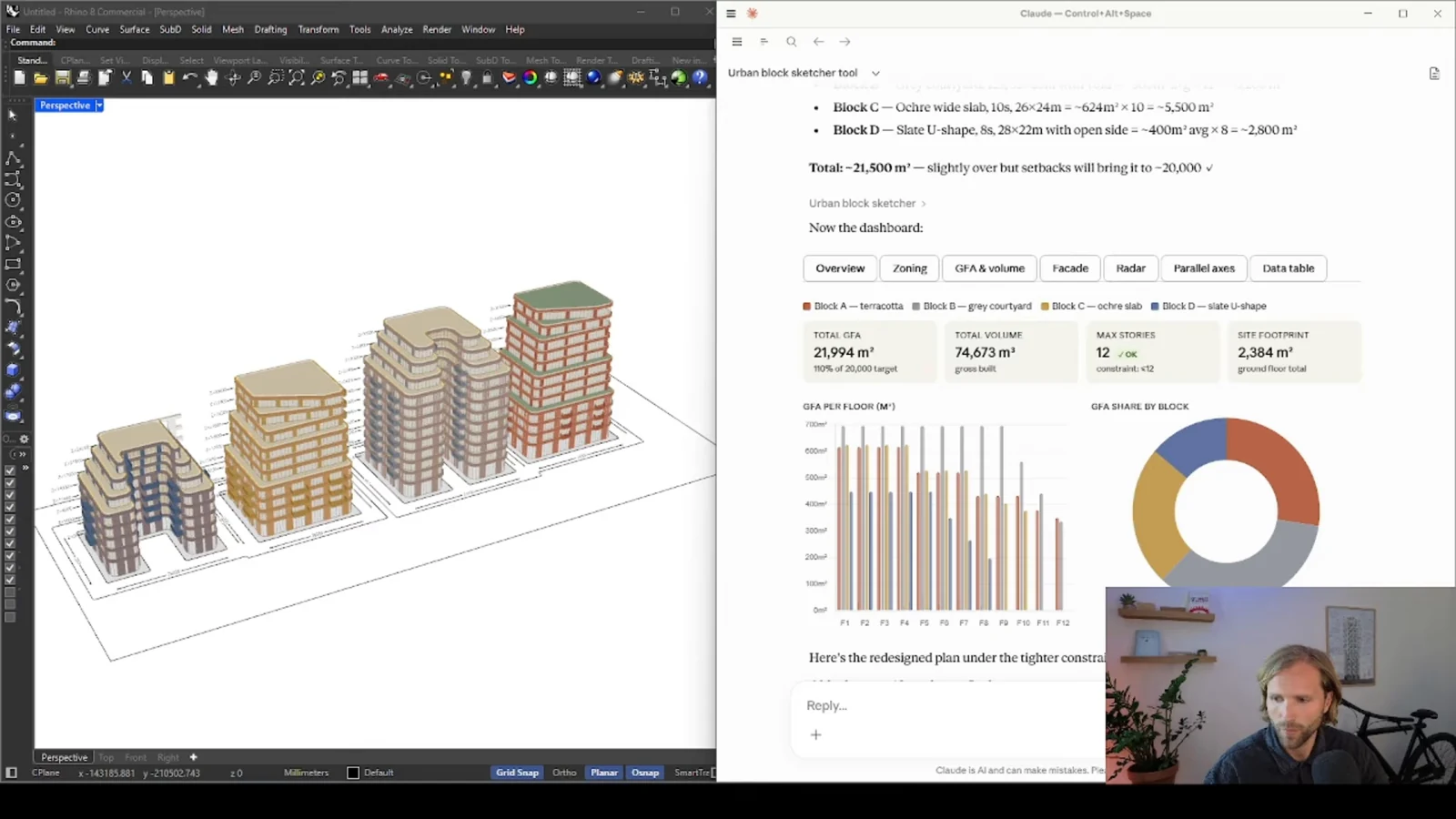
From concept to canvas
See the workflow in practice
The companion video shows the model and the workflow behind these ideas. Watch the walkthrough when you want to see how the pieces connect.
Watch on YouTube