
Insight 1
Automation should support communication
Not just faster geometry generation
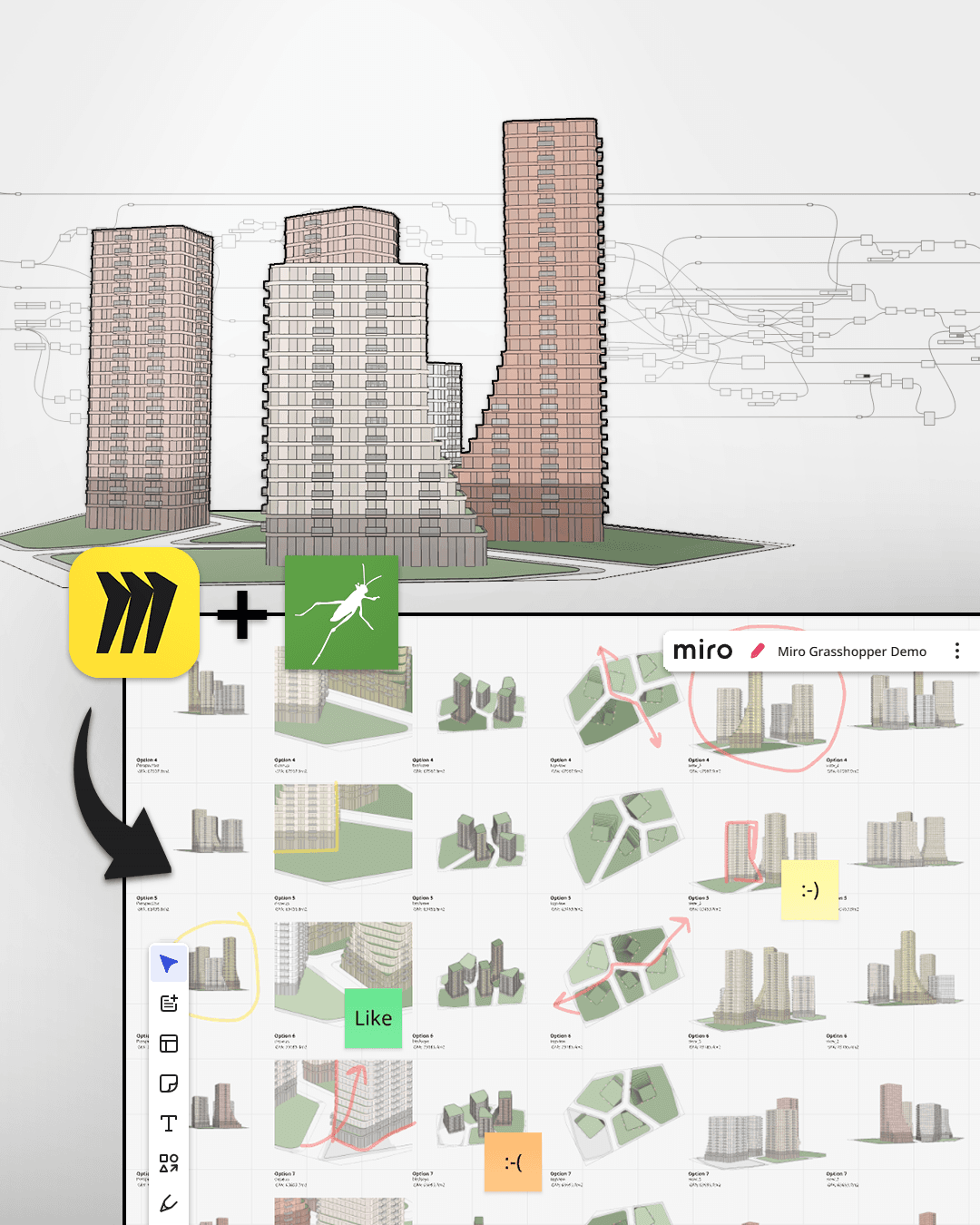
The workflow is about turning parametric outputs into reviewable design material that a broader team can understand.
Ontologic concept
Publish parametric design outputs to Miro so teams can review, compare and discuss options visually.
A workflow for publishing parametric design outputs to Miro, helping non-technical teams review options, compare studies and make decisions visually.
Format
Video concept
Focus
Automation
Next step
Learn or implement
Main video
Key insights
Use these notes as a quick way to understand the workflow before or after watching the full video.
Insight 1
Not just faster geometry generation
The workflow is about turning parametric outputs into reviewable design material that a broader team can understand.
Insight 2
Insight 2
A familiar place for non-technical stakeholders
Instead of keeping all outputs inside Rhino or Grasshopper, the workflow publishes studies into a visual environment where teams already discuss ideas.
Insight 3
Insight 3
Consistent output helps comparison
By automating how options are exported and presented, design teams can spend less time preparing review material and more time discussing the actual trade-offs.
Work with Ontologic
Ontologic helps AEC teams design and implement computational design systems, BIM/data workflows, automation tools and custom software for real project contexts.
Links and resources
Use these links to move deeper into the topic, explore related learning paths, or see how Ontologic can help implement similar workflows.
Related concepts
Continue with related Grasshopper, AI, BIM and AEC automation ideas.
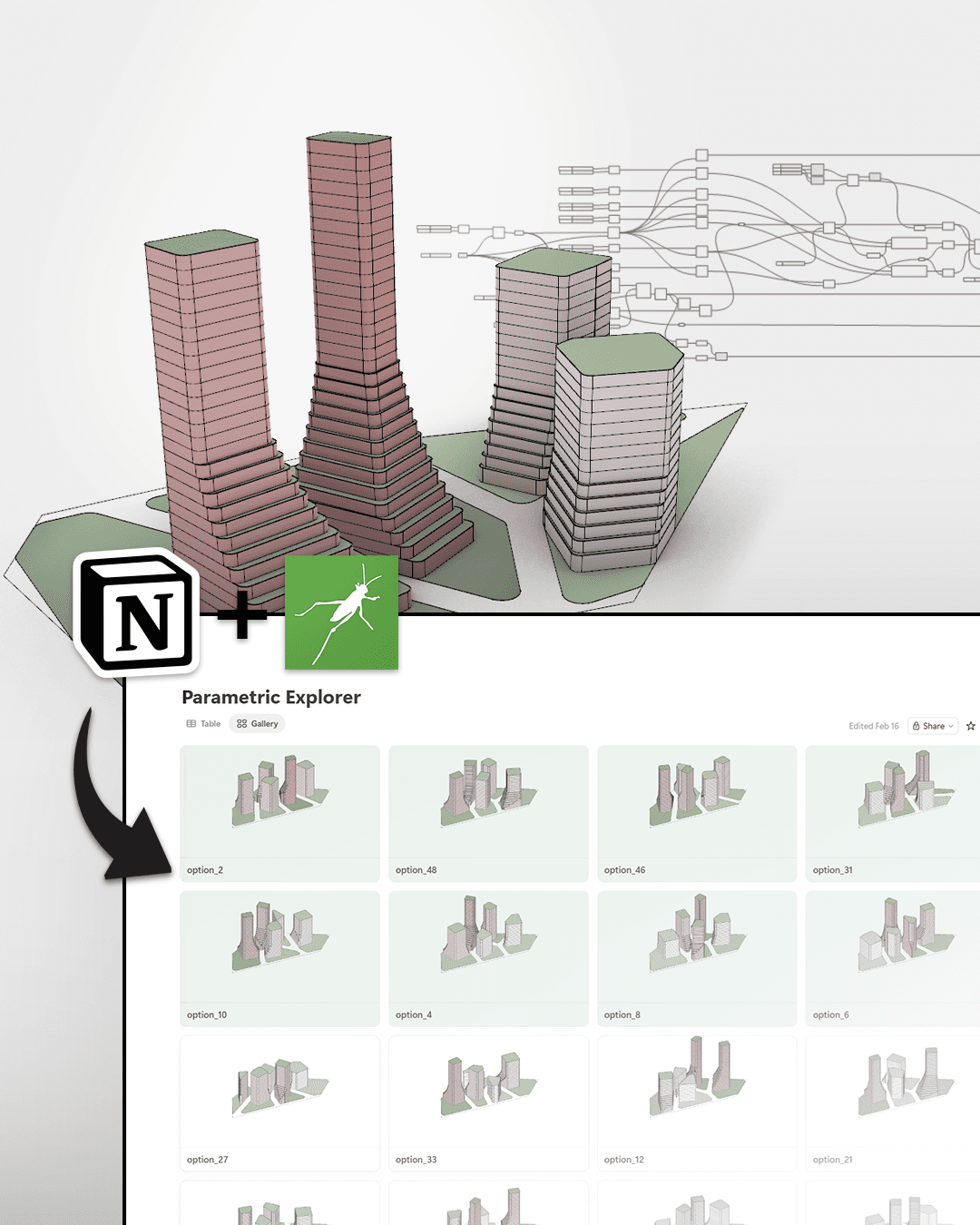
Connect parametric options to a simple review environment for design comparison and decision-making.
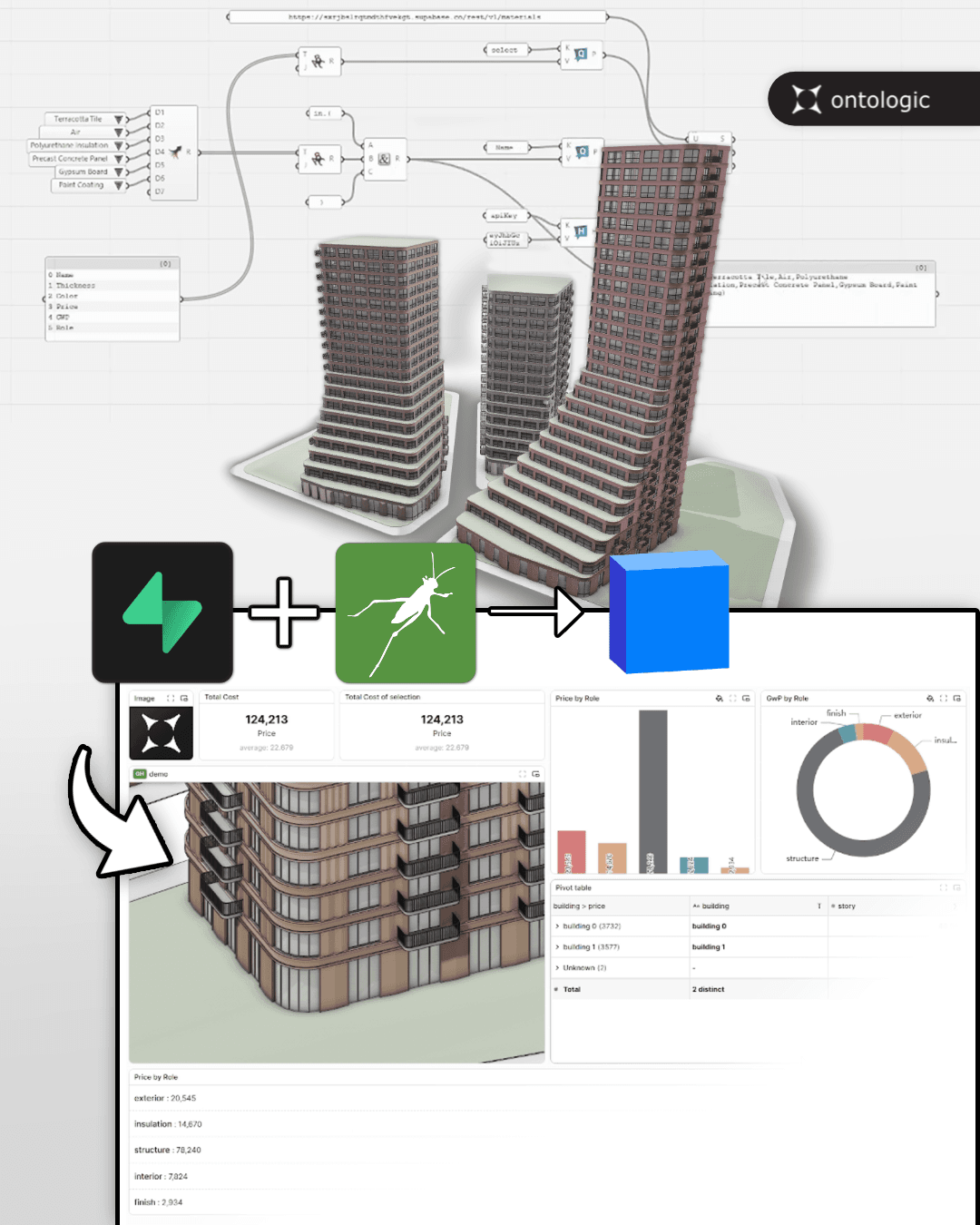
Move beyond temporary model data by connecting Grasshopper to persistent databases and model-sharing infrastructure.
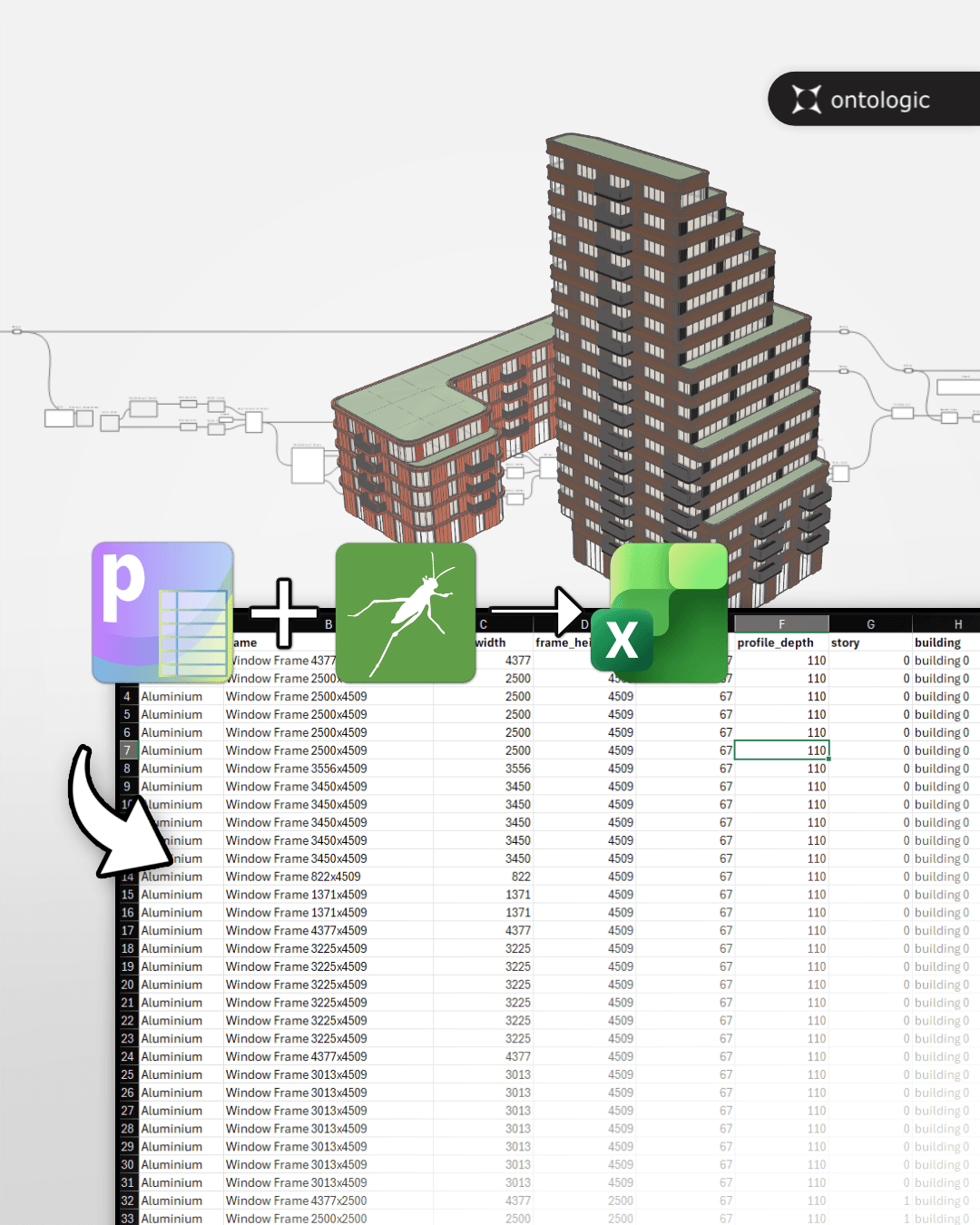
Move parametric model data from Grasshopper into a format that more people can inspect, edit and discuss.